32
VI Settings
VI Settings
1 Menu "set 1"
With menu "set 1" or Dive.Log you can configure the following items (dive functions):
Setting Range Default Page
• Maximum partial pressure of
oxygen (ppO
2
max)
• Time limit to reset the O
2
% mix to air
• Unit system
• Audible attention signals
• Water contacts
• Reset desaturation
1.2-1.6bar
no reset / 1 - 48hrs
metric/imperial
on / off (Dive.Log: selective)
on / off
on / off
1.4bar
no reset
on
on
no reset
32
32
32
33
33
33
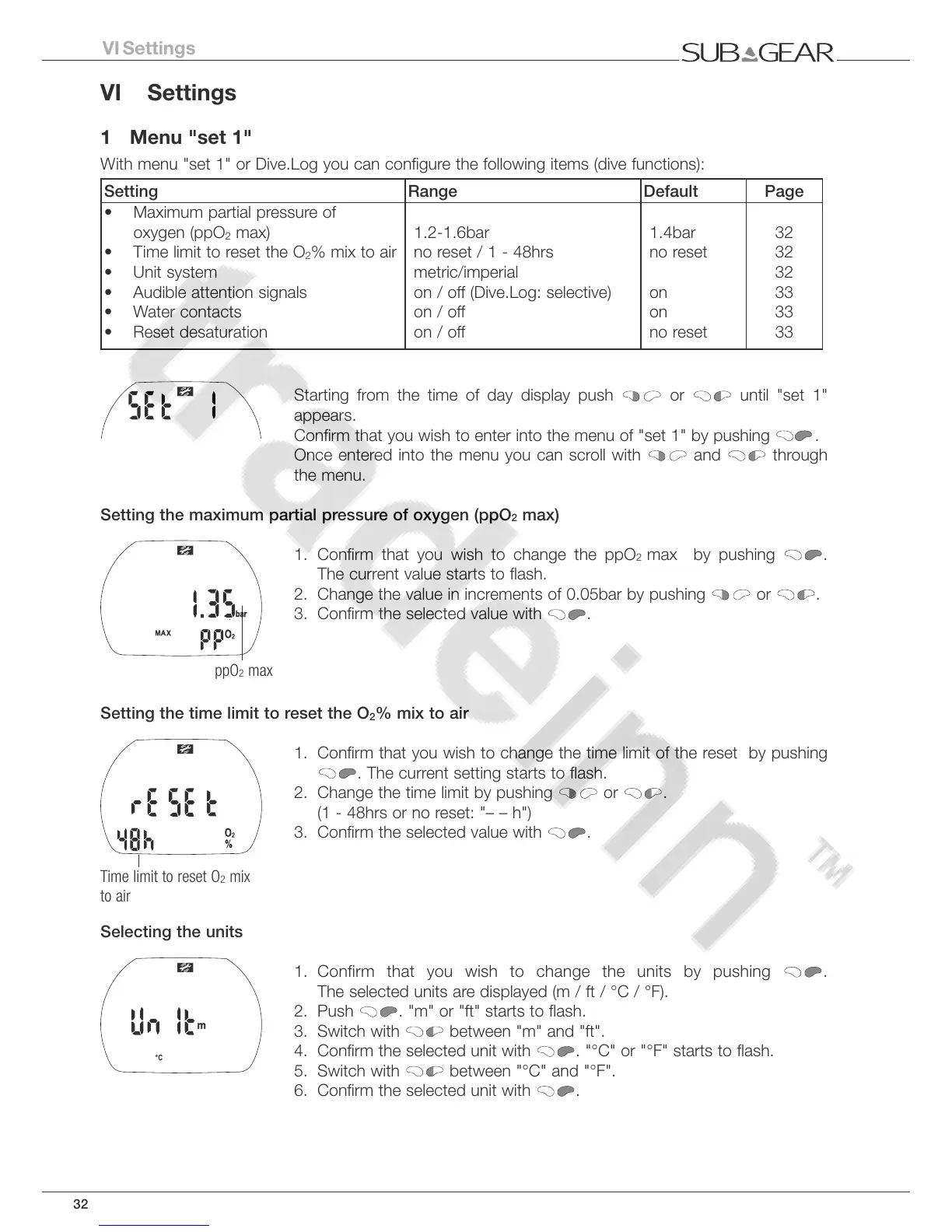
Starting from the time of day display push
or until "set 1"
appears.
Confirm that you wish to enter into the menu of "set 1" by pushing .
Once entered into the menu you can scroll with and through
the menu.
Setting the maximum partial pressure of oxygen (ppO
2
max)
1. Confirm that you wish to change the ppO
2
max by pushing .
The current value starts to flash.
2. Change the value in increments of 0.05bar by pushing or .
3. Confirm the selected value with
.
Setting the time limit to reset the O
2
% mix to air
1. Confirm that you wish to change the time limit of the reset by pushing
. The current setting starts to flash.
2. Change the time limit by pushing or .
(1 - 48hrs or no reset: "– – h")
3. Confirm the selected value with .
Selecting the units
1. Confirm that you wish to change the units by pushing
.
The selected units are displayed (m / ft / °C / °F).
2. Push . "m" or "ft" starts to flash.
3. Switch with
between "m" and "ft".
4. Confirm the selected unit with . "°C" or "°F" starts to flash.
5. Switch with between "°C" and "°F".
6. Confirm the selected unit with .



 To Next Page