10
2.2 Water contacts
On submerging in water the water contacts switch on XP10 automatically.
!
WARNING
If you have chosen the option "Water contacts off" ("set 1", ->33), XP10 will turn on with a delay
of up to 1 minute into the dive. This will affect functioning of the computer.
Make sure that the computer is on before starting the dive.
2.3 Dive.Log dedicated software application
With Dive.Log you can configure XP10, transfer dive data to a personal computer and graphically
display the data. To start the communication, turn on XP10 and place it so that its infrared port is in
front of the infrared interface. If XP10 detects an infrared device within range
appears.
Configuring XP10
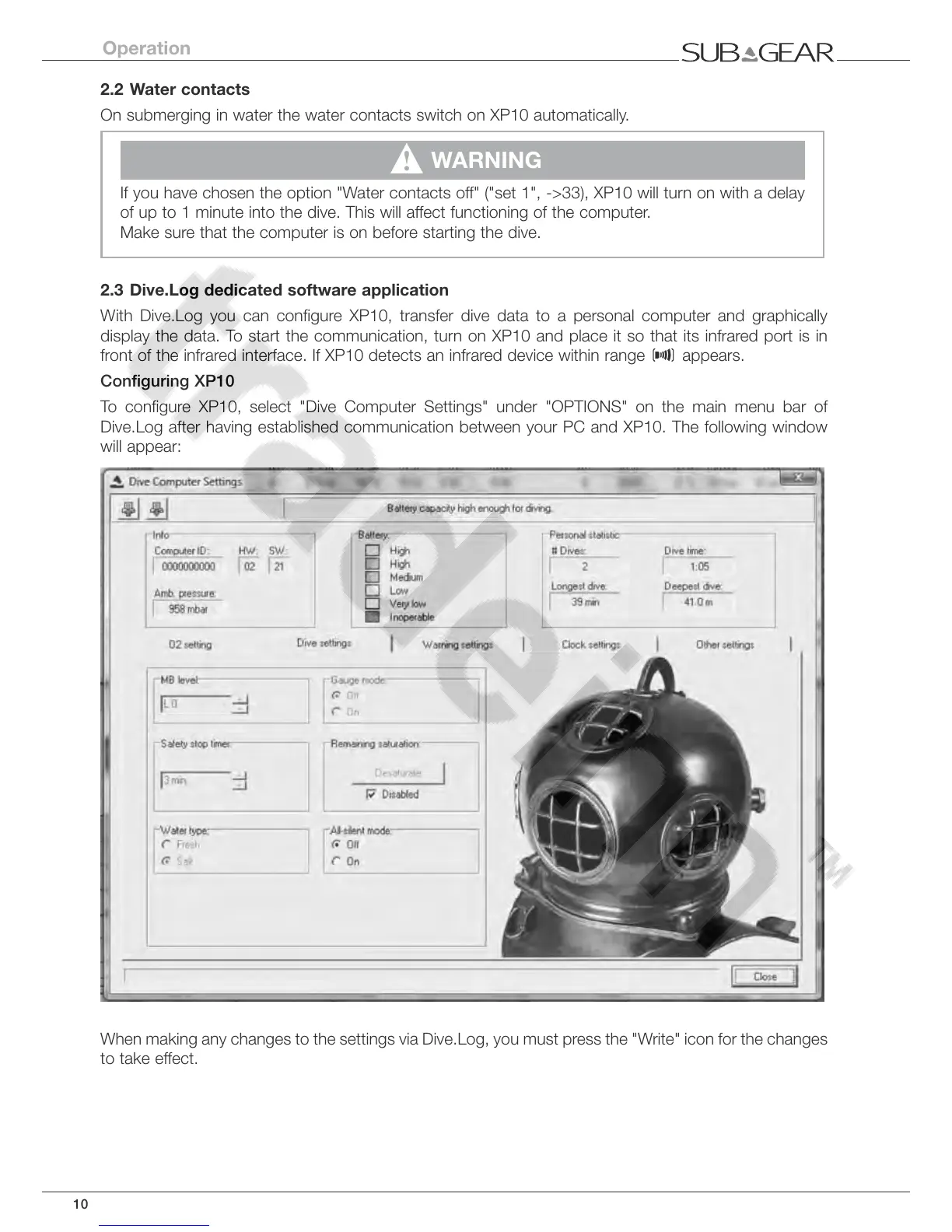
To configure XP10, select "Dive Computer Settings" under "OPTIONS" on the main menu bar of
Dive.Log after having established communication between your PC and XP10. The following window
will appear:
When making any changes to the settings via Dive.Log, you must press the "Write" icon for the changes
to take effect.
Operation



 To Next Page