SECTION 1
Keyboard control
1.1. THE CONTROL PANEL
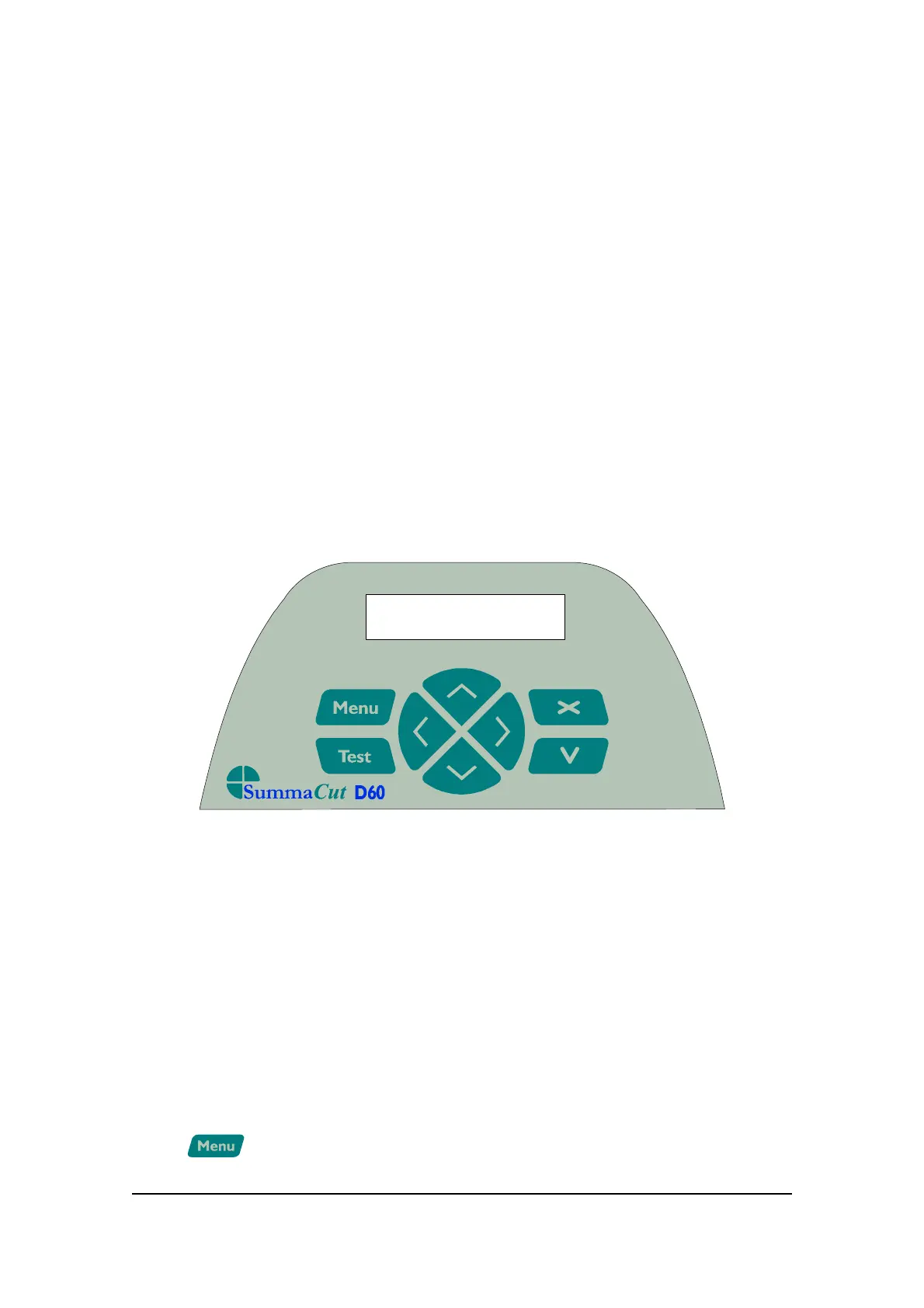
The figure below shows the control panel of the SummaCut D60 and the D120. The
main functions of the liquid crystal display (LCD) and the control panel keys are
explained in the following paragraphs.
CONTROL PANEL SUMMACUT D60
1.1.1. THE LIQUID CRYSTAL DISPLAY
The liquid crystal display (LCD) contains one line of 16 characters. The LCD provides
cutter status information during operations and displays menu options for the
configuration of the cutter.
The various menu and submenu items are always presented in a loop, which means
that, when the last menu or submenu item is displayed, pressing the appropriate key
will automatically take you back to the first item of the same menu or submenu.
1.1.2.
THE MENU KEY
Keyboardcontrols 1-1



 To Next Page