User’s Manual - Page 1
Copyright(c) 2005, Sun Microsystems, Inc. All rights reserved.
yyyyyy
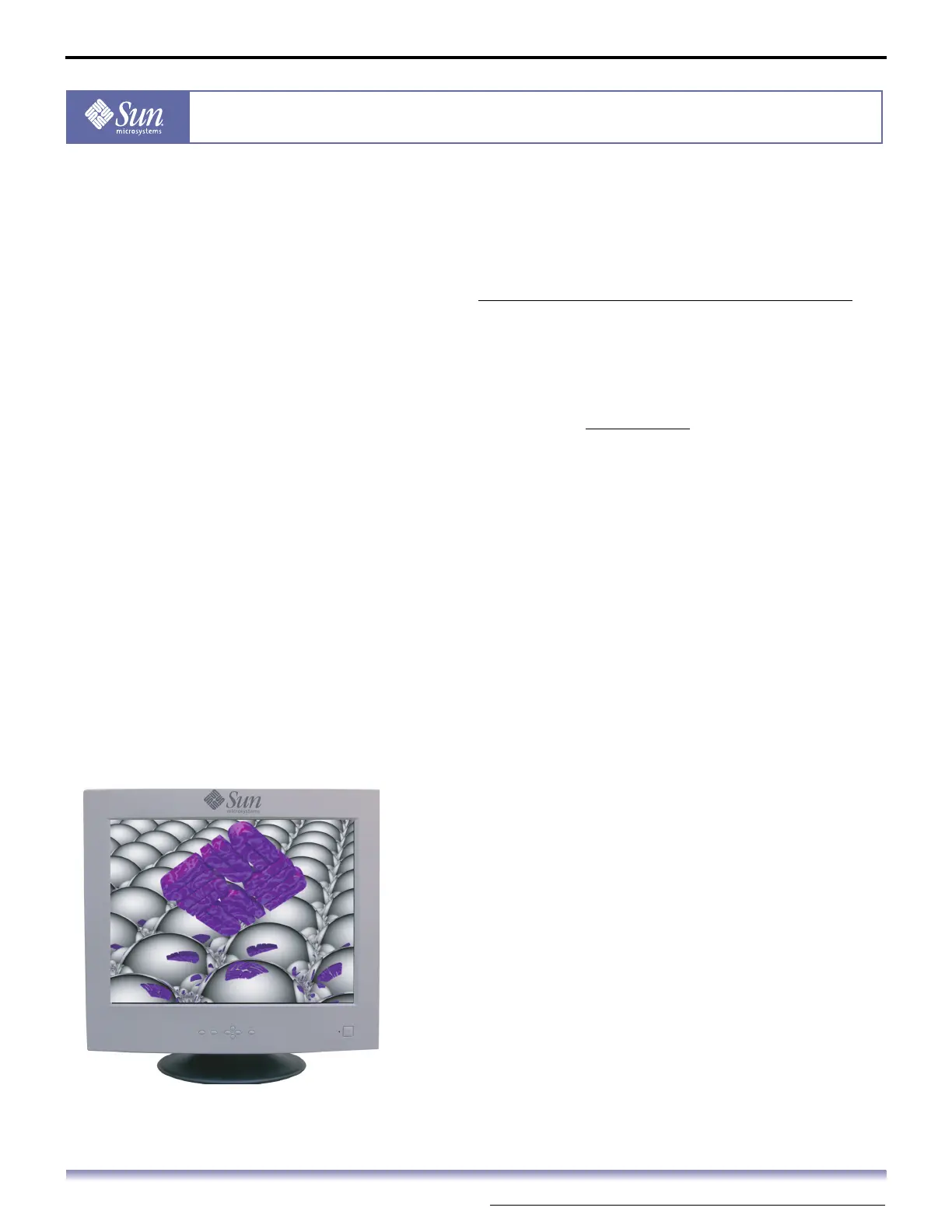
21-inch Flat CRT Monitor
X7199A
Content
1. Safety Instructions .............................................I
1-1. Notational ............................................................................. I
1-2. Power......................................................................................II
1-3. Installation ........................................................................ IV
1-4. Clean..................................................................................... VI
1-5. Other....................................................................................VII
2. Introduction ..................................................... 1
2-1. Unpacking ............................................................................ 1
2-2. Front ....................................................................................... 2
2-3. Rear ......................................................................................... 3
2-4. Bottom................................................................................... 4
3. Setup............................................................... 5
3-1. Connecting Your Monitor ............................................. 5
3-2. Base Installation................................................................ 6
4. On-Screen Display ............................................. 9
5. Q & A ............................................................. 29
5-1. General Q & A...................................................................29
5-2. Highlight Zone II Q & A ...............................................30
6. Troubleshooting.............................................. 31
6-1. Check List............................................................................31
6-2. Self-Test Feature Check ................................................34
7. Specification................................................... 36
7-1. General ................................................................................36
7-2. PowerSaver.........................................................................38
7-3. Preset Timing Modes.....................................................39
8. Information.................................................... 40
8-1. Terms....................................................................................40
8-2. Regulatory..........................................................................41
8-3. Authority ............................................................................46



 To Next Page