Safety Instructions - VI
Copyright(c) 2005, Sun Microsystems, Inc. All rights reserved.
Safety Instructions
Clean
When cleaning the monitor case or the surface of the CRT, wipe with a slightly moistened, soft
fabric.
Do not clean monitor with soap/heavy detergent. Use a water-diluted mild
detergent.
(Some detergents contain significant amounts of alcohol-based solvents, which can damage
(color change) or crack the monitor case. The antiglare/anti-static surface coating on the CRT
may also be affected.)
Dilute the detergent (1:10 ratio) with water before using.
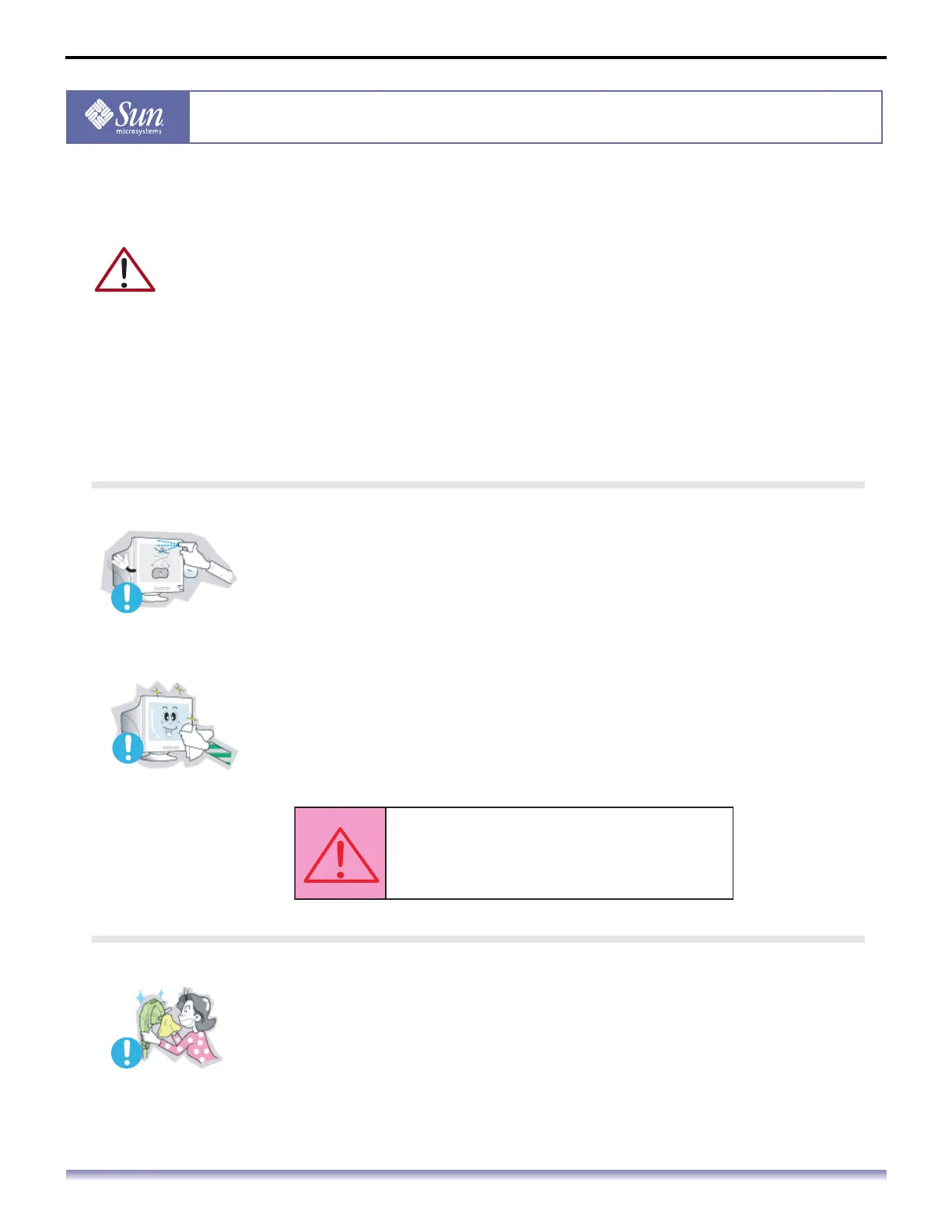
Do not spray detergent directly on the monitor.
Use the recommended cleaning solution with a smooth cloth.
You can prevent the coated CRT from being damaged or the monitor
cabinet from being dissolved, cracked or discolored.
If the connector between the plug and the pin is dusty or dirty, clean it
properly with a dry cloth.
A dirty connector can cause an electric shock or fire.
Caution:
Use a recommended detergent only,
as other surfactants containing large
amounts of alcohol, solvent or other
strong substances, can discolor or crack
the monitor or damage the coated CRT.



 To Next Page