User’s Manual - 34
Copyright(c) 2005, Sun Microsystems, Inc. All rights reserved.
Troubleshooting
Self-Test Feature Check
Your monitor provides a self test feature that allows you to check whether your monitor is functioning
properly.
1. Turn off both your computer and the monitor.
2. Unplug the video cable from the back of the computer.
3. Tu rn on the monitor.
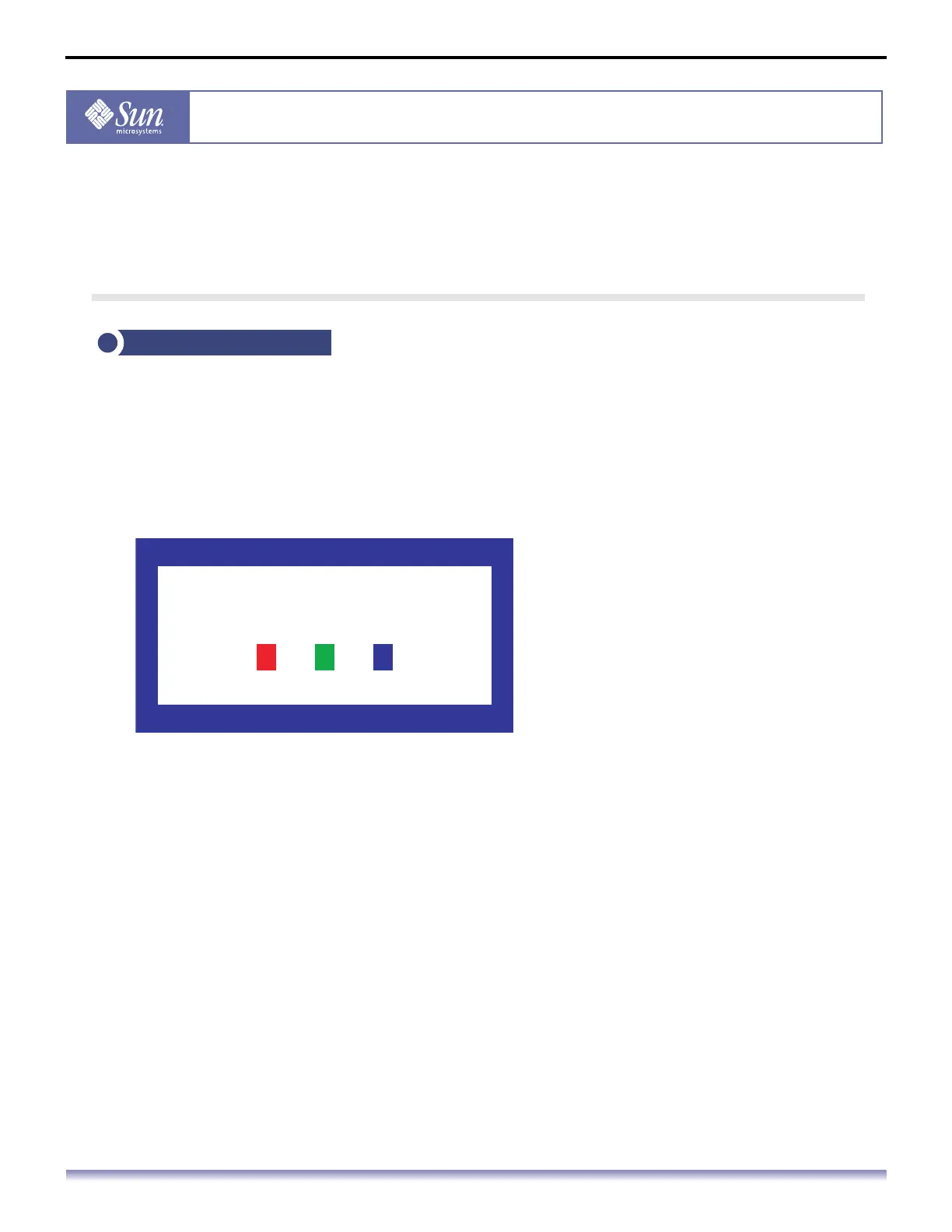
If your monitor works normally, the following screen appears.
Failure of any of the boxes to appear indicates a problem with your monitor. This box also
appears during normal operation if the video cable becomes disconnected or damaged.
4. Turn off your monitor and reconnect the video cable; then turn on both your computer
and the monitor.
If your monitor screen remains blank after using the previous procedure, check your
video controller and computer system; your monitor is functioning properly.
Self-Test Feature Check
No Connection
Check Signal Cable



 To Next Page