Safety Instructions - VII
Copyright(c) 2005, Sun Microsystems, Inc. All rights reserved.
Safety Instructions
Other
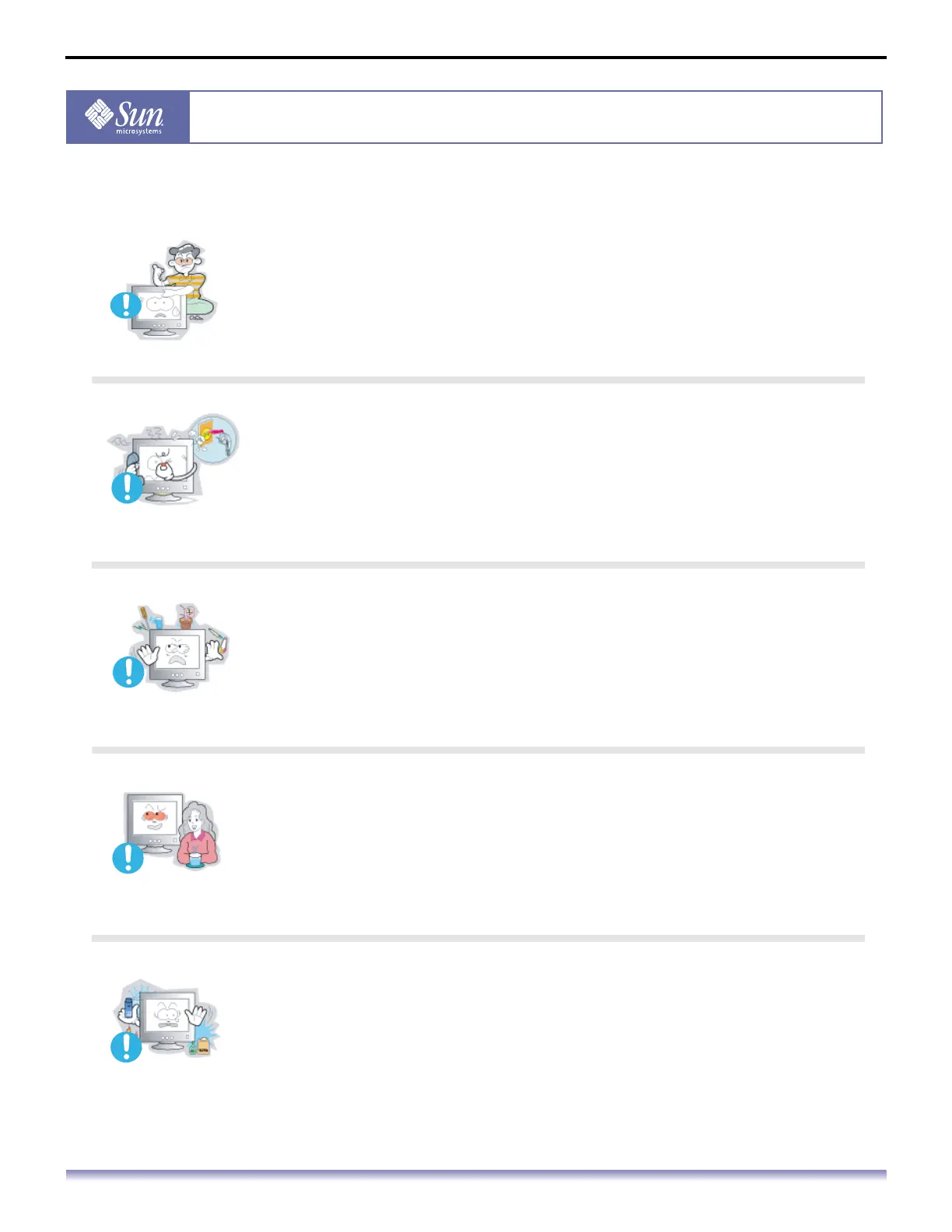
Do not remove cover (or back). No user serviceable parts inside.
This may cause an electric shock or a fire.
Refer servicing to qualified service personnel.
If your monitor does not operate normally - in particular, if there are
any unusual sounds or smells coming from it - unplug it immediately
and contact an authorized dealer.
This may cause an electric shock or a fire.
Do not place any heavy objects on the monitor.
This may cause an electric shock or a fire.
For each hour of looking at the monitor, you should let your eyes rest
for 5 minutes.
This will reduce eye fatigue.
Do not use or store inflammable substances near the monitor.
This may cause an explosion or fire.



 To Next Page