Safety Instructions - IV
Copyright(c) 2005, Sun Microsystems, Inc. All rights reserved.
Safety Instructions
Installation
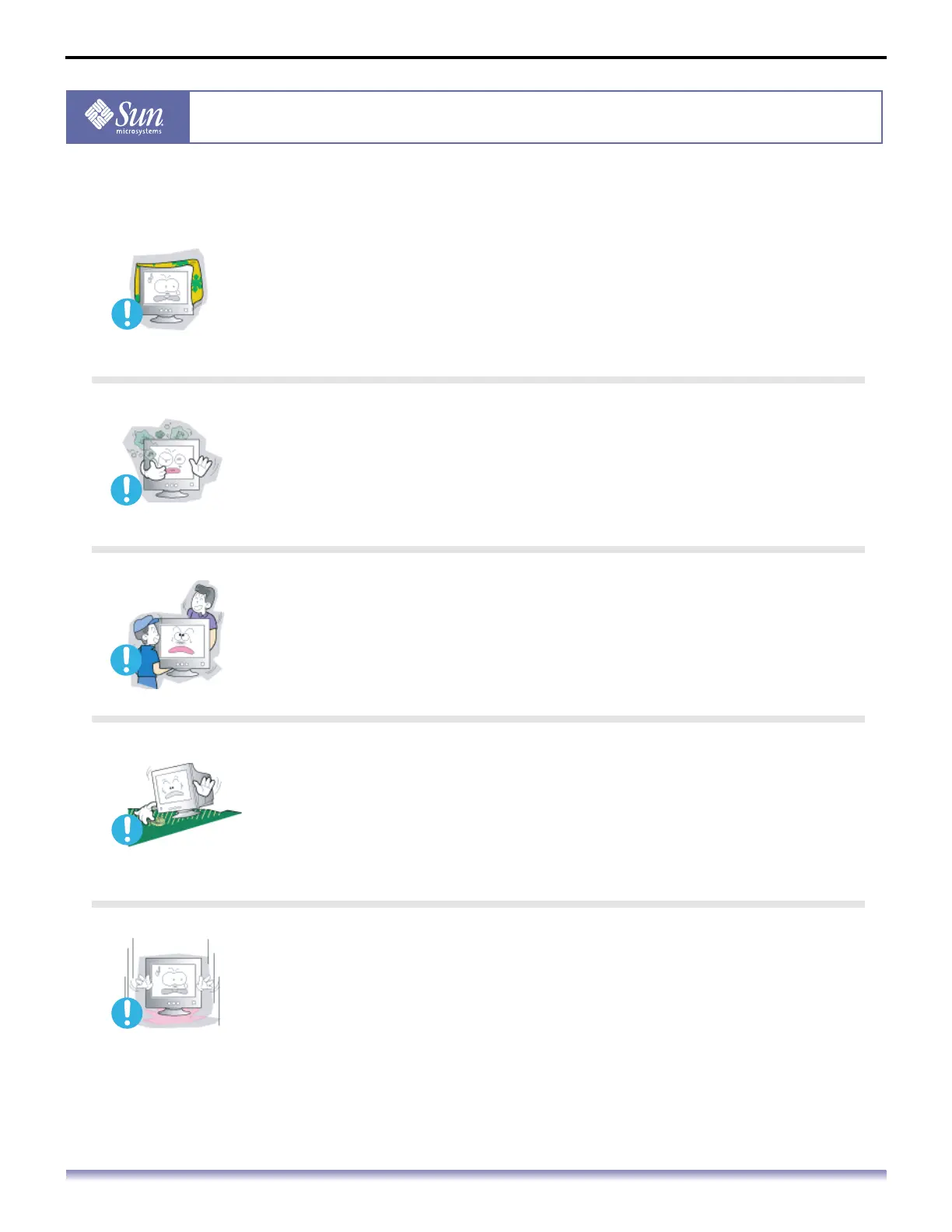
Do not cover the vents on the monitor cabinet.
Bad ventilation may cause a breakdown or fire.
Put your monitor in a location with low humidity and a minimum of
dust.
An electric shock or fire could result inside the monitor.
Do not drop the monitor when moving it.
This may cause damage to the product or human body.
Place the monitor on a flat and stable surface.
The monitor can cause injury if it falls.
Set down the monitor carefully.
Use care when handling product to prevent damaged or injury.



 To Next Page