Safety Instructions - II
Copyright(c) 2005, Sun Microsystems, Inc. All rights reserved.
Safety Instructions
Power
When not used for extended periods of time, set your computer to DPMS (Digital Power
Management System). If using a screen saver, set it to the active screen mode.
If the size of your monitor is small, or if the same image is present for long
periods of time, you may see afterimages due to damage to the fluorescent
substance on the inside of the CRT.
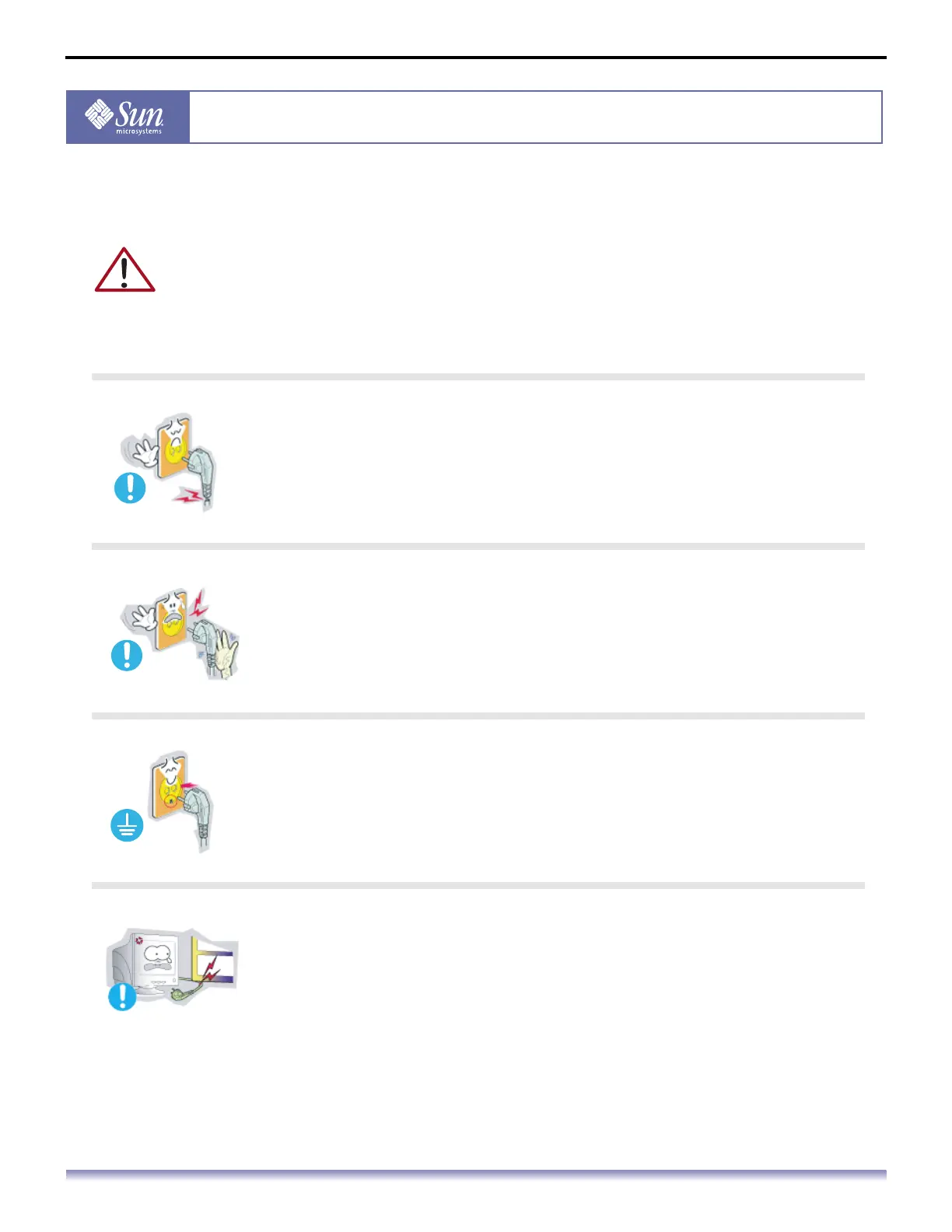
Do not use a damaged or loose plug.
This may cause an electric shock or fire.
Do not pull the plug out by the wire nor touch the plug with wet hands.
This may cause an electric shock or fire.
Use only a properly grounded plug and receptacle.
An improper ground may cause electric shock or equipment damage.
Do not excessively bend the plug and wire nor place heavy objects
upon them, which could cause damage.
Failure to do so may cause an electric shock or fire.



 To Next Page