Safety Instructions - V
Copyright(c) 2005, Sun Microsystems, Inc. All rights reserved.
Safety Instructions
Installation
Do not place the monitor face down.
The CRT surface may get damaged.
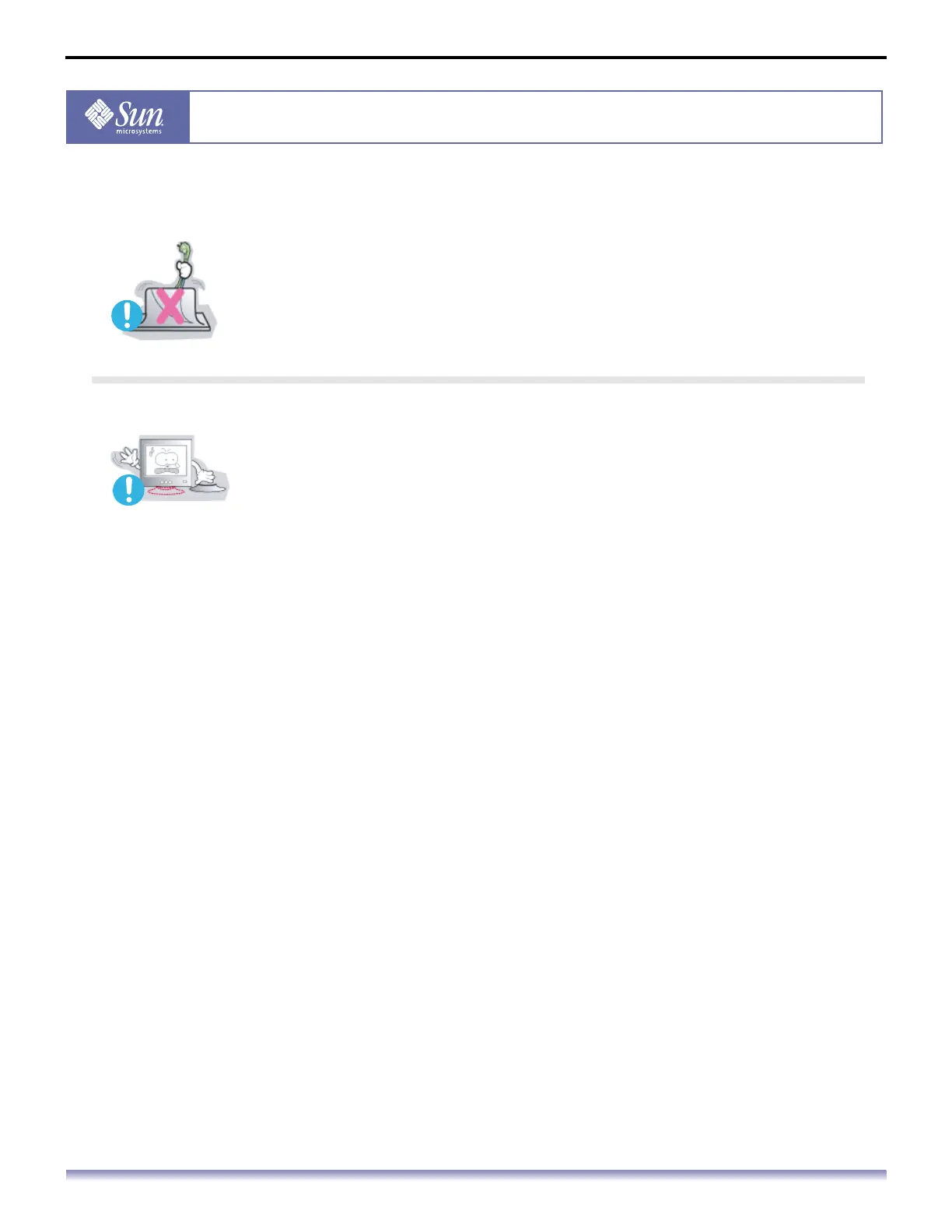
Do not use the monitor without the monitor stand.
It could break down or cause a fire due to bad ventilation.
If the monitor must be used without the supplied stand, take steps to
insure proper ventilation.



 To Next Page