User’s Manual - 10
Copyright(c) 2005, Sun Microsystems, Inc. All rights reserved.
On-Screen Display
OSD How to adjust
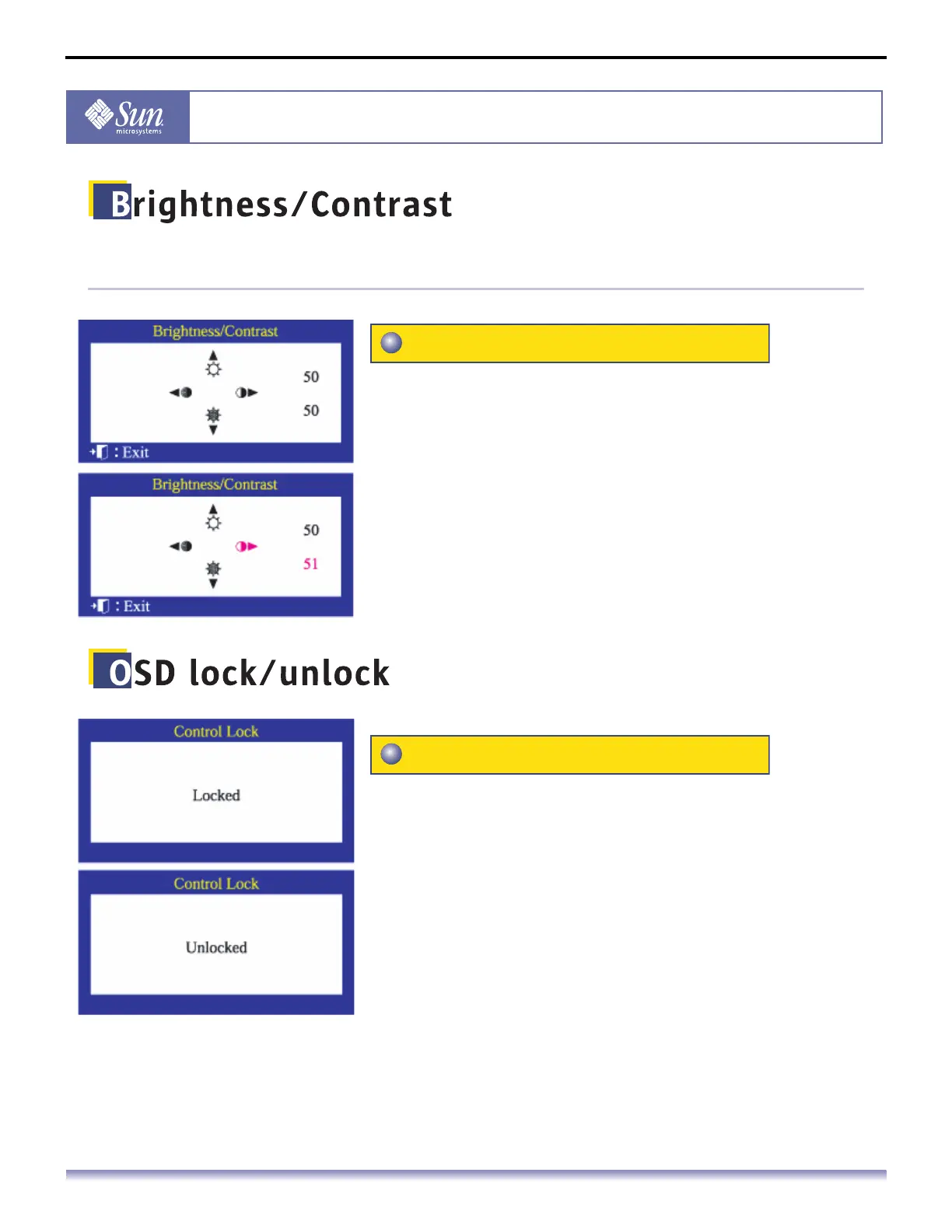
Adjust Brightness and Contrast.
1. Push the (Contrast) or (Brightness.) button.
The brightness/contrast display will appear.
2. Push the button to increase the brightness or the button
to decrease the brightness.
3. Push the button to decrease the contrast or the button
to increase the contrast.
Follow these instructions to Lock/Unlock OSD.
1. Push and hold in the Menu button for 10 seconds or more to
Lock the OSD.
(In this case, even if you click the Menu button, the control screen
will not be displayed.)
2. Push and hold in the Menu button for 10 seconds or more to
UnLock the OSD.
Brightness/Contrast
OSD lock/unlock



 To Next Page