User’s Manual - 26
Copyright(c) 2005, Sun Microsystems, Inc. All rights reserved.
On-Screen Display
OSD How to adjust
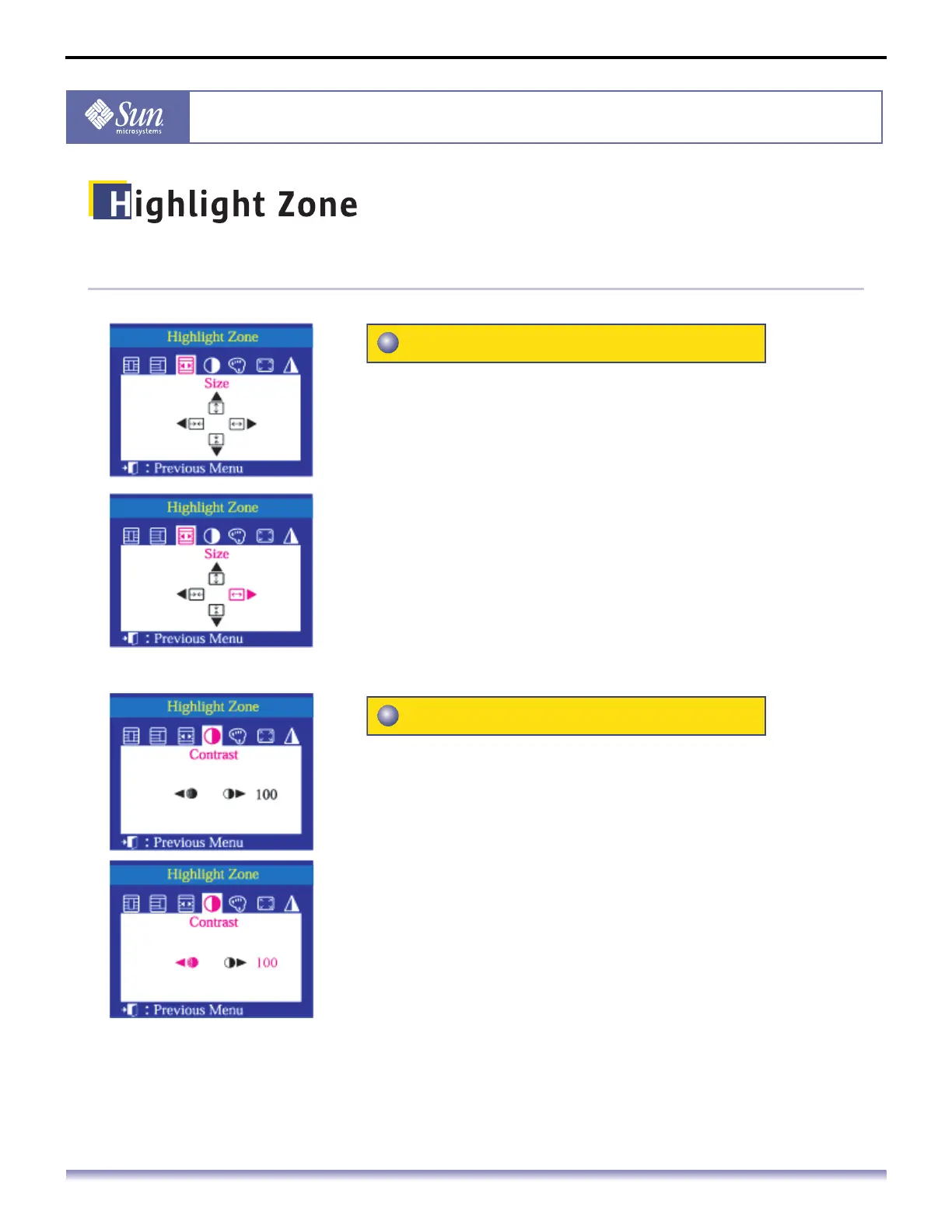
This function is to adjust the size of the Highlight Zone.
1. Push the Highlight button.
2. Push the button or button to select the Screen Size
Adjustment and then push the Menu button.
3. Push the button or the button to change the size of the
Highlight Zone horizontally and push the button or the
button to change it vertically.
This function is to use the Contrast of the Highlight Zone.
1. Push the Highlight button.
2. Push the button or button to select select the Contrast
Adjustment and then push the Menu button.
3. Push the button or button to adjust the Contrast of the
Highlight Zone.
Size
Contrast



 To Next Page