5
4 Slide Power switch (on side of printer) to On (I) position (Figure 2-1). Green
power indicator turns on and flashes once every second. If battery is low,
indicator flashes once every 1/2 second.
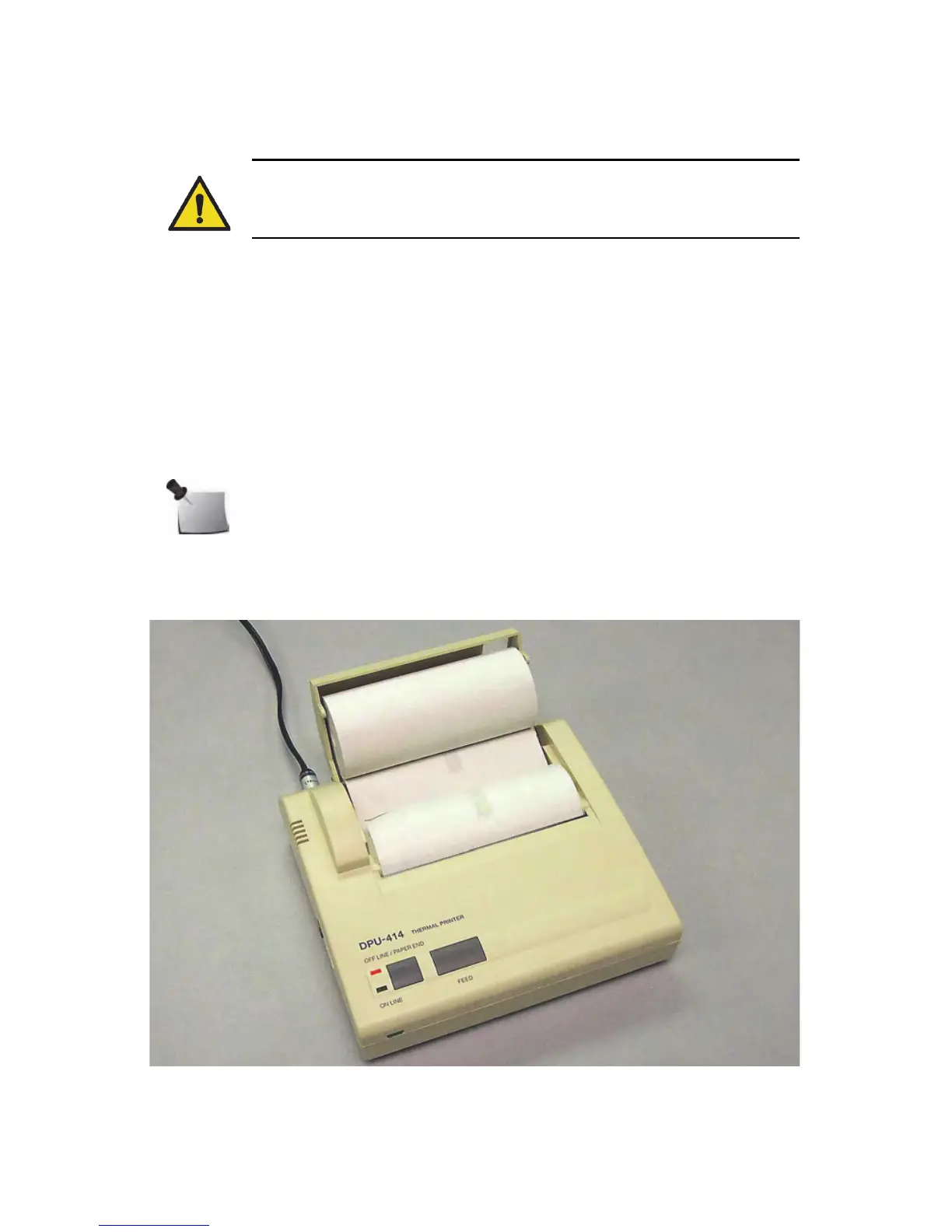
5 To feed printer paper, toggle ON LINE button to OFF LINE position (red
indicator), then press FEED button. It is only possible to feed paper when
printer is OFF LINE. See Load Printer Paper below.
6 When printer paper is in position, toggle ON LINE button to ON LINE
position (green indicator).
See Table 2 on page 32 for a description of thermal printer indicators.
Load Printer Paper
1
Unwrap roll of thermal printer paper (P/N 850043(Z)) and, if necessary, cut
leading edge straight across.
Figure 2-2. Loading Printer Paper
WARNING: Do not press and hold ON LINE button and FEED button
simultaneously for 30 seconds or more. This resets internal switches
and prevents use of the printer.
Note: Load thermal printer paper in an area protected from direct
sunlight.



 To Next Page