7
• To connect Model 1027 to a computer using a serial port and the RS-232 data
cable, see Using Serial Port below.
• To connect Model 1027 to a computer using a USB port, see Using USB to
Serial Adapter on page 8.
Using Serial Port
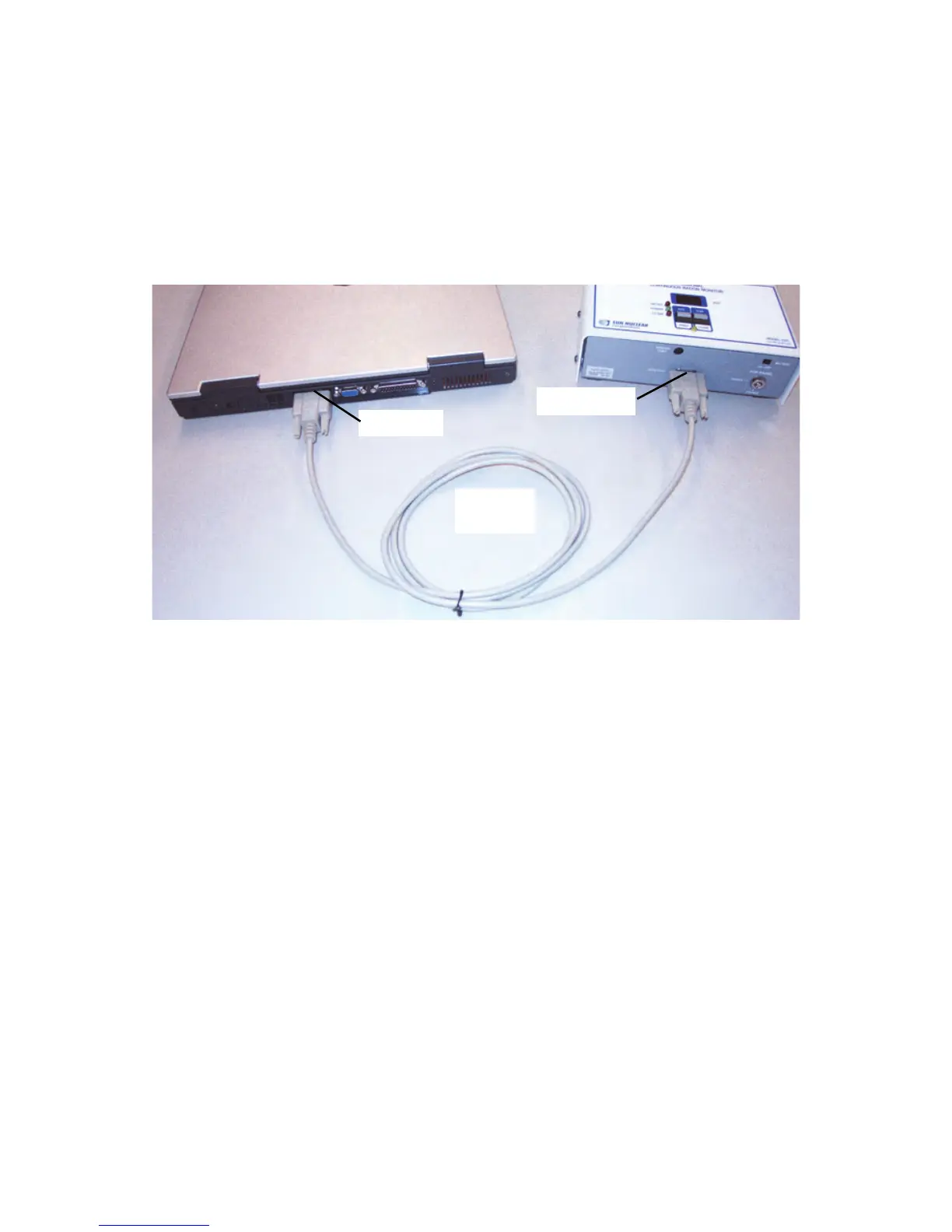
1 Connect one end of RS-232 data cable to Model 1027’s DATA PORT and
other end to computer’s serial (9-pin) COM port (Figure 2-3).
Figure 2-3. Connecting Radon Monitor to Computer with RS-232 Serial Cable
2 Double-click the Radon 1027 desktop icon to start the application.
If the icon is not visible:
•Click Start > Programs > SNC Group > Radon 1027 or
• Navigate to the folder where the program is installed (for example,
C:\Radon) and double-click the Radon.exe file.
Application opens with a blank screen (Figure 2-4 on page 8).
On menu bar, Get Data menu option is dimmed because a Com Port has not
been selected. Model 1027 can use Com port 1, 2, 3, or 4.



 To Next Page