8
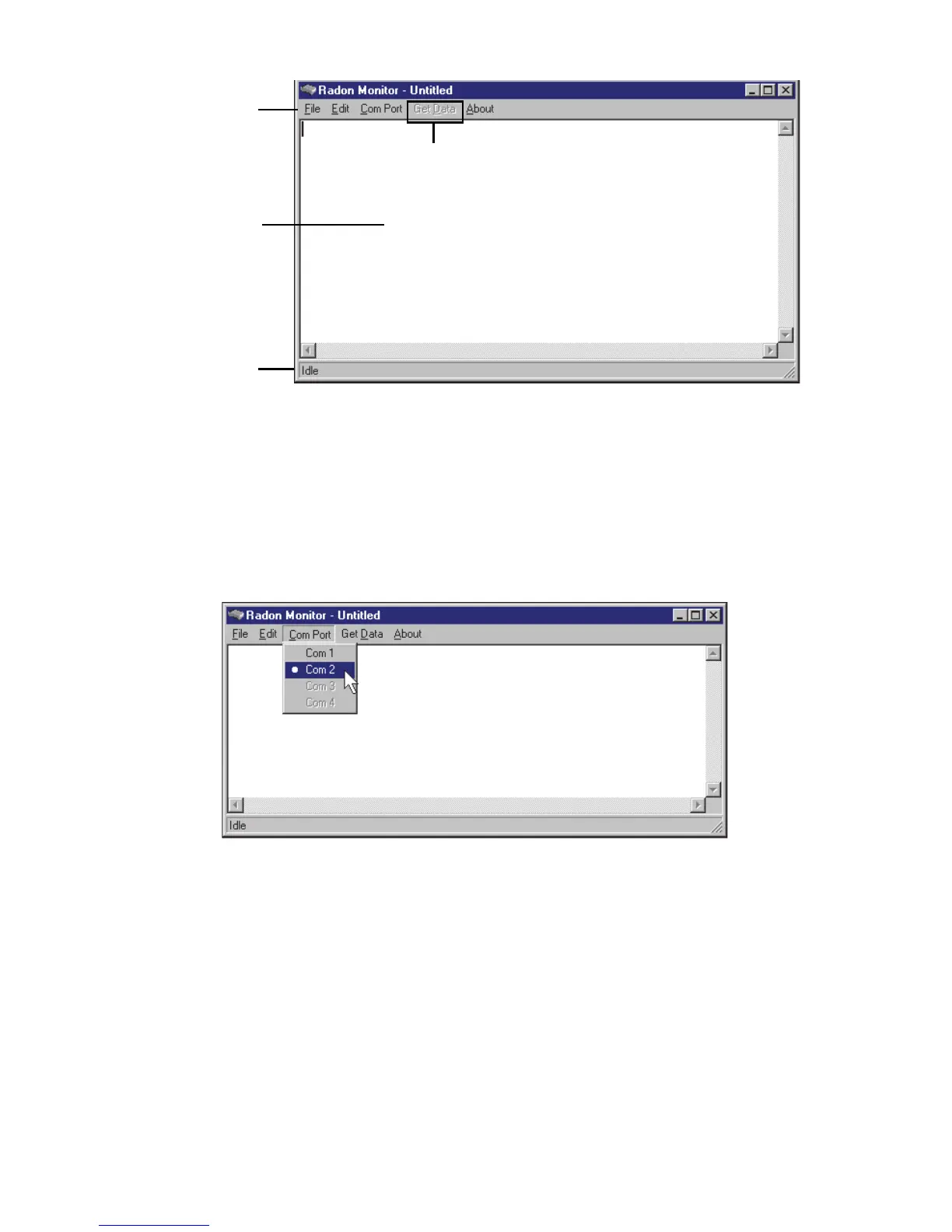
Figure 2-4. Application Opens With Blank Screen
3 On computer where RS-232 cable is connected, check connector to identify
Com port number.
4 Click Com Port on menu to display available Com Ports. Unavailable Com
Ports are dimmed.
5 Select Com Port on computer to which RS-232 cable is connected. A bullet
appears next to selected port (Figure 2-5).
Figure 2-5. Select the Desired Com Port
If you accidentally selected the wrong port, select the correct port.
Using USB to Serial Adapter
Sun Nuclear has tested and approved the IOGEAR Model GUC232A USB to Serial
Adapter (Figure 2-6 on page 9). This adapter can be purchased directly from Sun
Nuclear by ordering P/N 850029, or can be purchased at a computer store, office
supply store, or from an internet supplier.



 To Next Page