13
3 Operation
Set Up
1 Unpack Model 1027 and place in position within space to be monitored for
radon gas. The device does not need to be level.
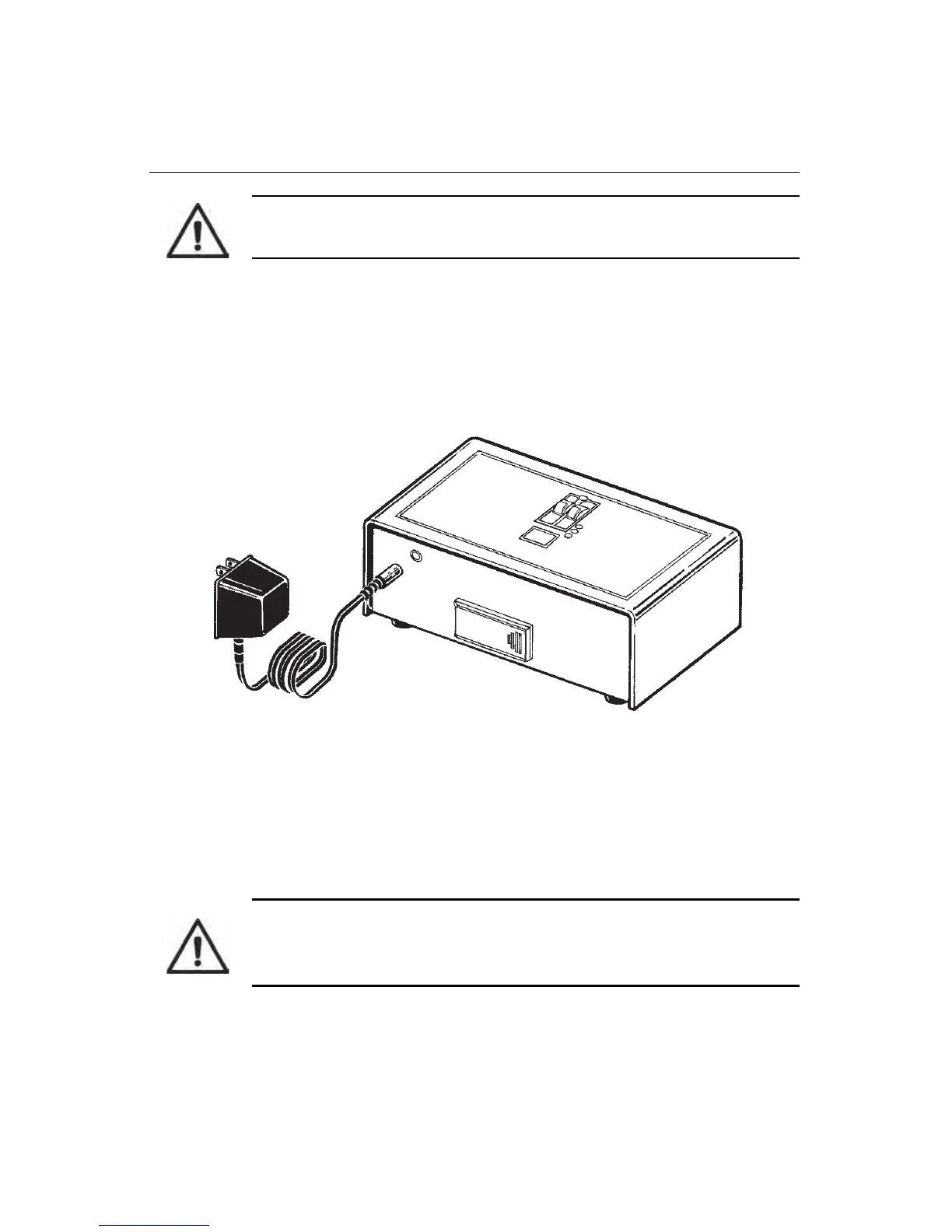
2 Avoid using switch-controlled outlets. Plug power adapter into power input
jack on Model 1027 (Figure 3-1), then plug power adapter into a mains power
wall outlet that matches power ratings printed on power supply.
Figure 3-1. Connecting Power to Model 1027
• Green POWER LED turns on.
• Yellow LED flashes twice followed by a single flash to indicate Model
1027 has performed all internal diagnostics and is functioning properly.
3 Insert TOP PANEL key and turn to ENABLE position to activate top panel
controls.
4 Press AVG button. If memory is clear, three decimal points appear in display.
If memory is not clear, long term average radon concentration is displayed.
In this case, you must clear memory before collecting measurements.
CAUTION: Do not use in outdoor environments. Humidity and
extreme temperatures will cause measurement errors.
CAUTION: Clear memory before starting a new measurement. If
memory is not cleared, new measurements will be averaged with the
old measurements still in memory.



 To Next Page