9
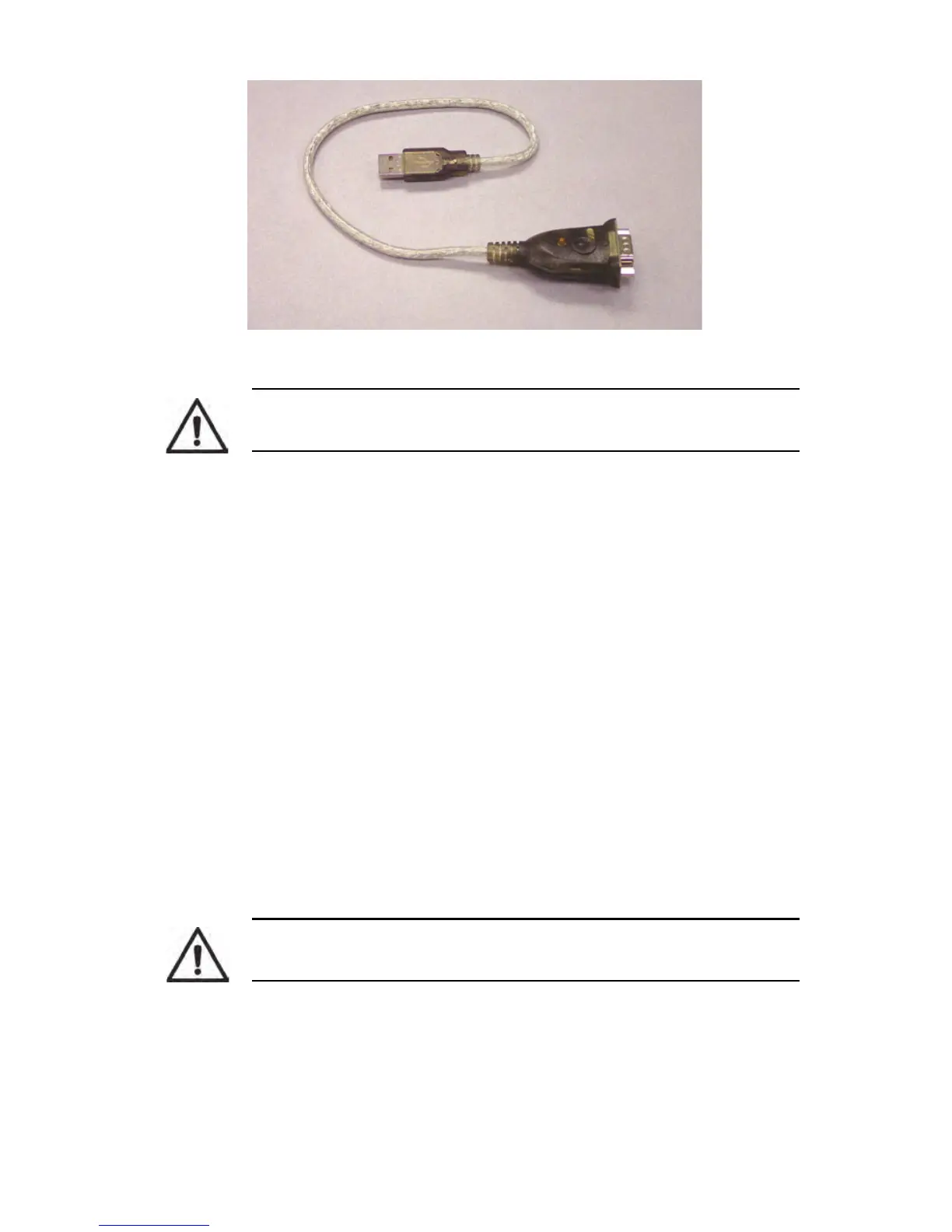
Figure 2-6. IOGEAR Model GUC232A USB to Serial Adapter, P/N 850029
Although it is possible to use a different USB to Serial Adapter, doing so is not
recommended because other USB to Serial Adapter installations have not been
tested. USB to Serial Adapters require special installation procedures, and each
manufacturer supplies specific instructions.
System Requirements
• The IOGEAR Model GUC232A USB to Serial adapter can be used with a
computer running any of the supported operating systems for the Radon
Monitor. See Recommended System Requirements on page 35.
• Administrative rights may be required to install the adapter drivers.
Adapter Installation
The following items are required to perform this procedure:
• IOGEAR Model GUC232A USB to Serial Adapter.
• CD and manufacturer’s instructions provided with USB to Serial Adapter.
Updated adapter drivers can also be downloaded from the IOGEAR
website. See Updating USB to Serial Adapter Drivers on page 26.
• RS-232 cable included with Model 1027.
1 Connect RS-232 cable from Model 1027 DATA PORT to serial connector on
USB to Serial Adapter (Figure 2-7).
2 Plug USB connector on other end of USB to Serial Adapter into a USB port
on computer.
CAUTION: Sun Nuclear will only provide technical support for the
IOGEAR Model GUC232A adapter.
CAUTION: Retain CD and manufacturer’s instructions for adapter. CD
and instructions are needed to install of adapter drivers.



 To Next Page