12
Set COM Port in Radon Monitor Software
1
After USB to Serial Adapter is successfully installed, power up Model 1027
and launch Radon Monitor application.
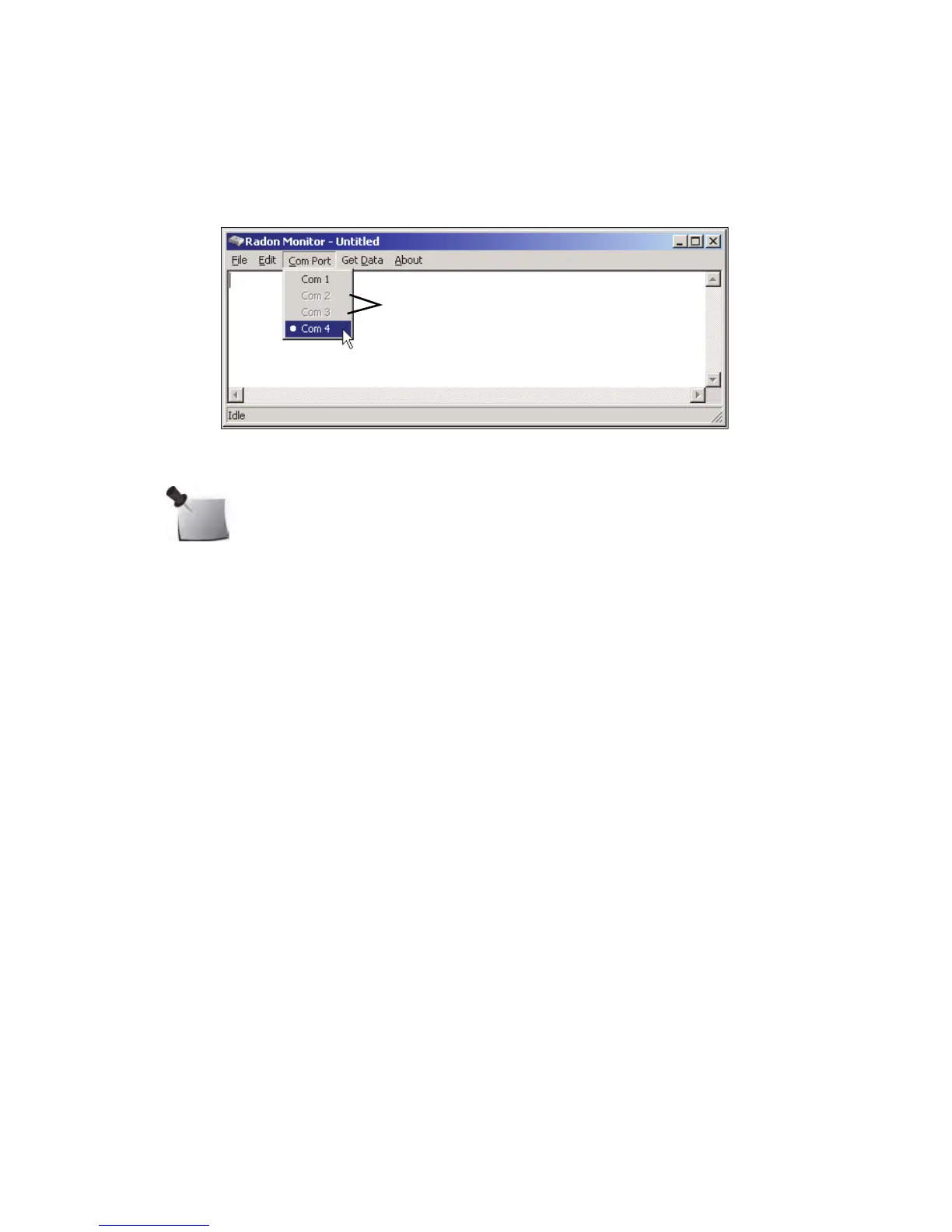
2 On menu, click Com Port and select Com port number set up in previous
section for USB to Serial Adapter.
Figure 2-9. Selecting Adapter Com Port in Radon Monitor Application
Note: Radon Monitor application only recognizes Com ports 1, 2, 3,
or 4. Ports dimmed on menu are not available.



 To Next Page