11
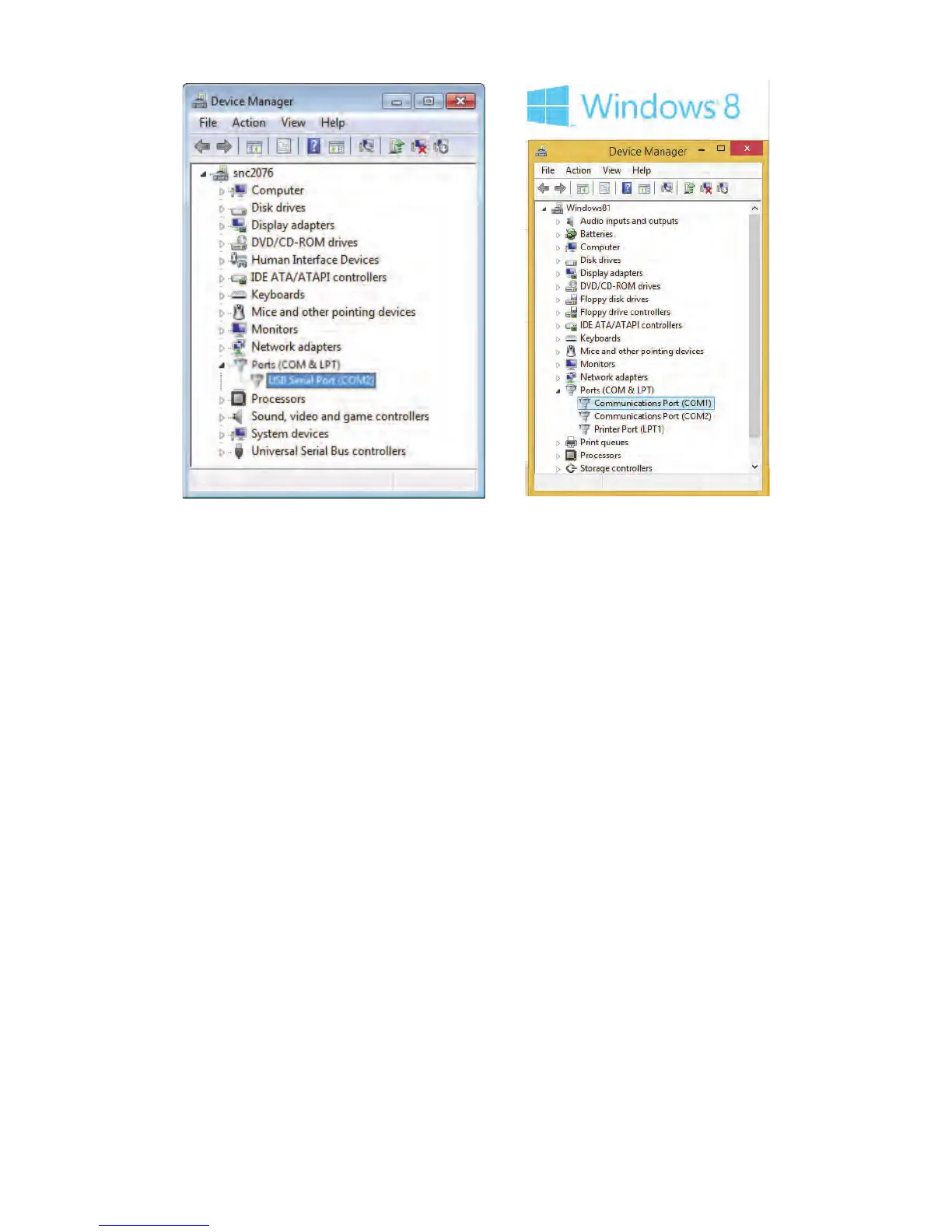
Figure 2-8. Checking USB to Serial Port in Device Manager
3 In Ports list, look for a port labeled ATEN USB to Serial Bridge (COM#) if
using recommended IOGEAR USB to Serial adapter. (Look for something
similar to USB Serial Port (COM#) if using a different adapter.)
4 Verify port is correct by disconnecting and reconnecting USB end of cable
from computer. Port should disappear from list and then reappear.
If no port disappears and reappears when you disconnect and reconnect the
cable, computer does not recognize the USB to Serial Adapter. Reinstall
drivers provided with USB to Serial Adapter, and then try this procedure
again. (See also, Troubleshooting USB to Serial Adapter on page 26.)
5 Make note of serial port number (COM port) of USB to Serial adapter. You
will need this to set the Radon Monitor application to connect to this port.



 To Next Page