24
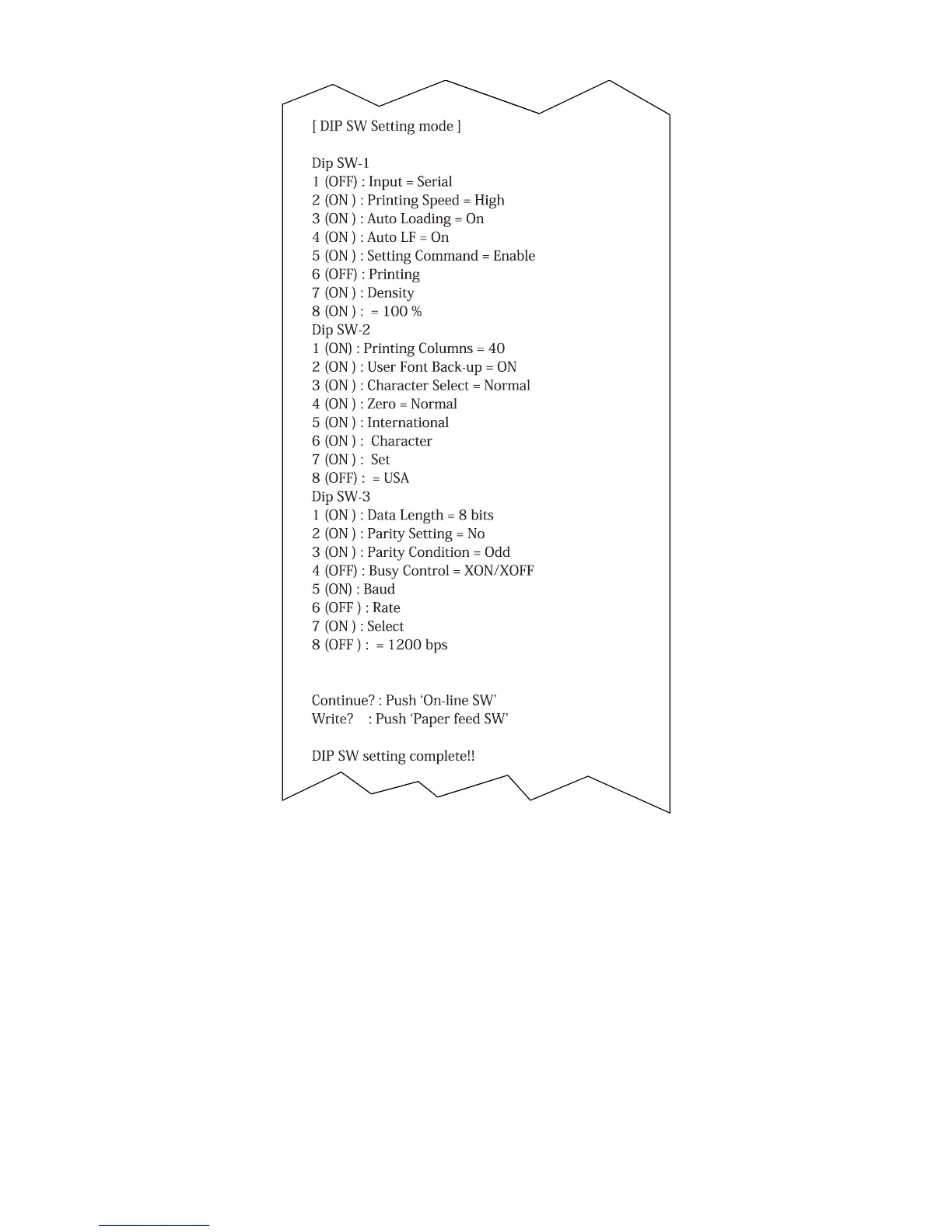
Figure 5-3. DIP Switch Settings for Printer
1 Slide power switch to OFF position (0), then slide power switch to ON posi-
tion (I) while pressing and holding ON LINE button.
2 Release ON LINE button after list of current DIP switch settings (Figure 5-3)
begins to print. When list of settings is complete, a prompt appears at the
bottom of the printout:
“Continue? : Push On-line SW”
“Write? : Push Paper feed SW”
3 To leave DIP switch settings the same, push FEED button.
4 To change any DIP switch settings, push ON LINE button. The prompt “Dip
SW-1” appears on the printout below the current settings.



 To Next Page