SunFounder 3in1 Kit
• You can open the file 2.2.colorful_light.ino under the path of 3in1-kit\learning_project\2.
analogWrite\2.2.colorful_light.
• Or copy this code into Arduino IDE.
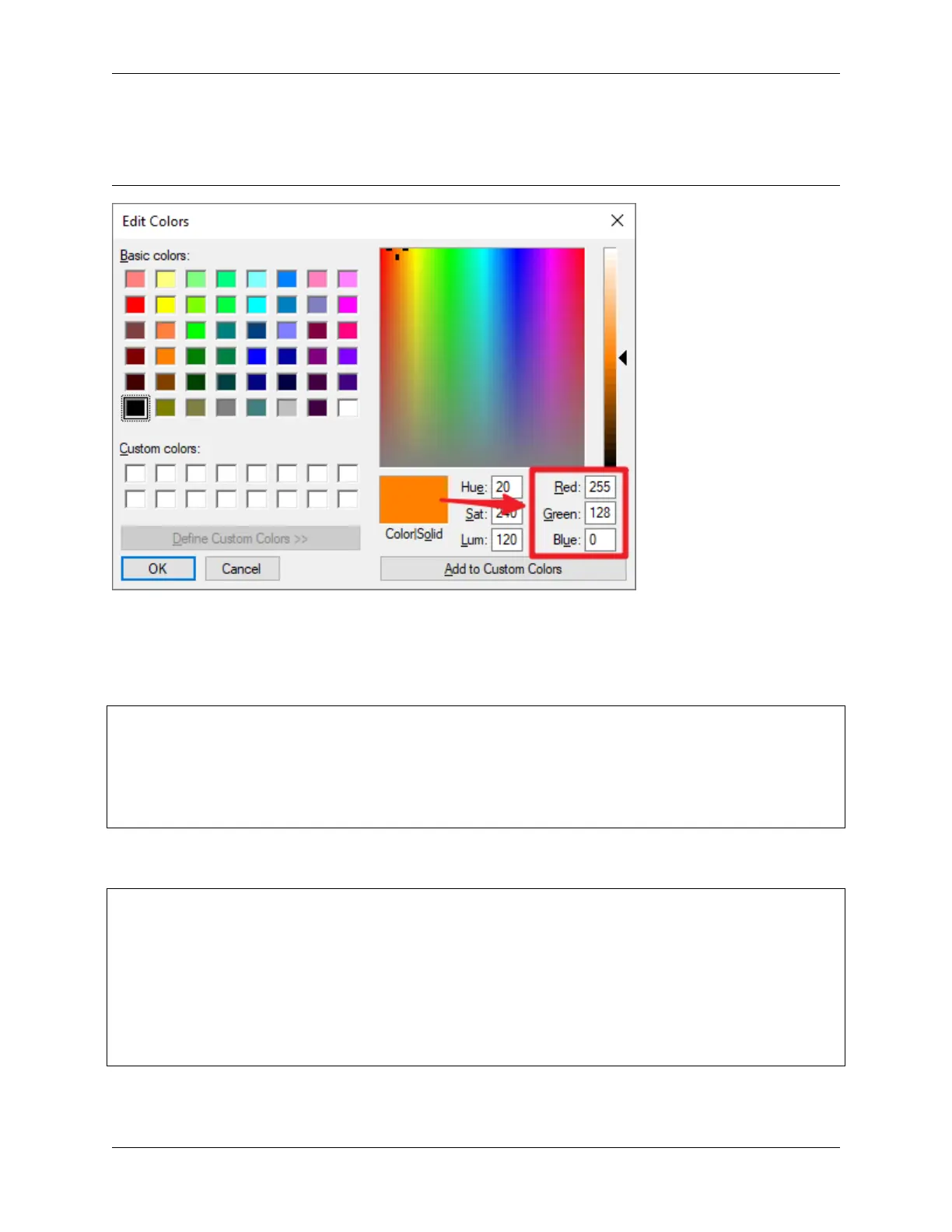
Write the RGB value into color_set(), you will be able to see the RGB light up the colors you want.
How it works?
In this example, the function used to assign values to the three pins of RGB is packaged in an independent subfunction
color().
void color (unsigned char red, unsigned char green, unsigned char blue)
{
analogWrite(redPin, red);
analogWrite(greenPin, green);
analogWrite(bluePin, blue);
}
In loop(), RGB value works as an input argument to call the function color() to realize that the RGB can emit
different colors.
void loop()
{
color(255, 0, 0); // red
delay(1000);
color(0,255, 0); // green
delay(1000);
color(0, 0, 255); // blue
delay(1000);
}
4.2. 2. Analog Write 103



 To Next Page