SunFounder 3in1 Kit
1.17 Button
Buttons are a common component used to control electronic devices. They are usually used as switches to connect
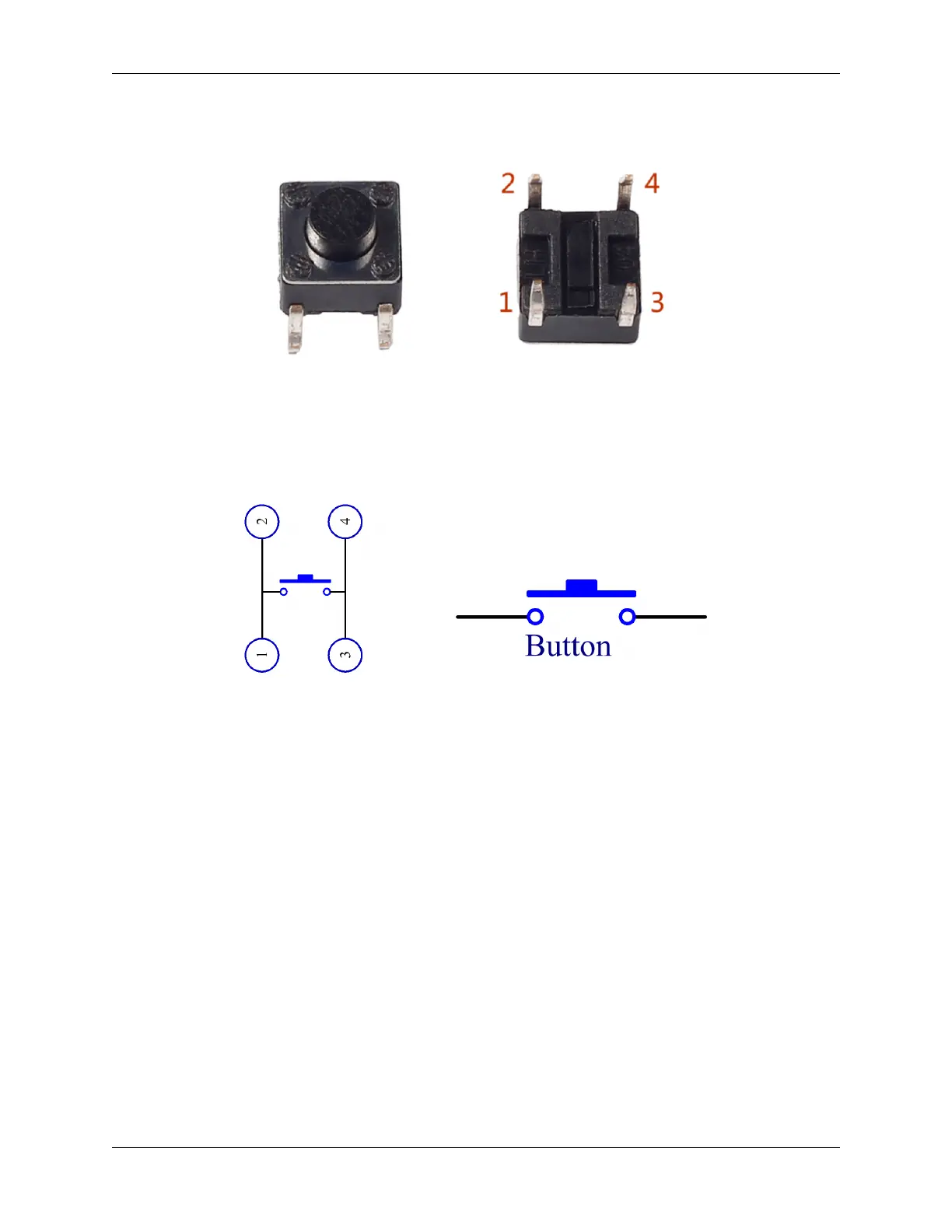
or break circuits. Although buttons come in a variety of sizes and shapes, the one used here is a 6mm mini-button as
shown in the following pictures. Pin 1 is connected to pin 2 and pin 3 to pin 4. So you just need to connect either of
pin 1 and pin 2 to pin 3 or pin 4.
The following is the internal structure of a button. The symbol on the right below is usually used to represent a button
in circuits.
Since the pin 1 is connected to pin 2, and pin 3 to pin 4, when the button is pressed, the 4 pins are connected, thus
closing the circuit.
34 Chapter 1. Components List and Introduction



 To Next Page