SunFounder 3in1 Kit
2.3 How to build an Arduino Project
Follow these steps to learn how to use Arduino from zero!
2.3.1 Download and Install Arduino IDE 2.0
The Arduino IDE, known as Arduino Integrated Development Environment, provides all the software support needed to
complete an Arduino project. It is a programming software specifically designed for Arduino, provided by the Arduino
team, that allows us to write programs and upload them to the Arduino board.
The Arduino IDE 2.0 is an open-source project. It is a big step from its sturdy predecessor, Arduino IDE 1.x, and
comes with revamped UI, improved board & library manager, debugger, autocomplete feature and much more.
In this tutorial, we will show how to download and install the Arduino IDE 2.0 on your Windows, Mac, or Linux
computer.
Requirements
• Windows - Win 10 and newer, 64 bits
• Linux - 64 bits
• Mac OS X - Version 10.14: “Mojave” or newer, 64 bits
Download the Arduino IDE 2.0
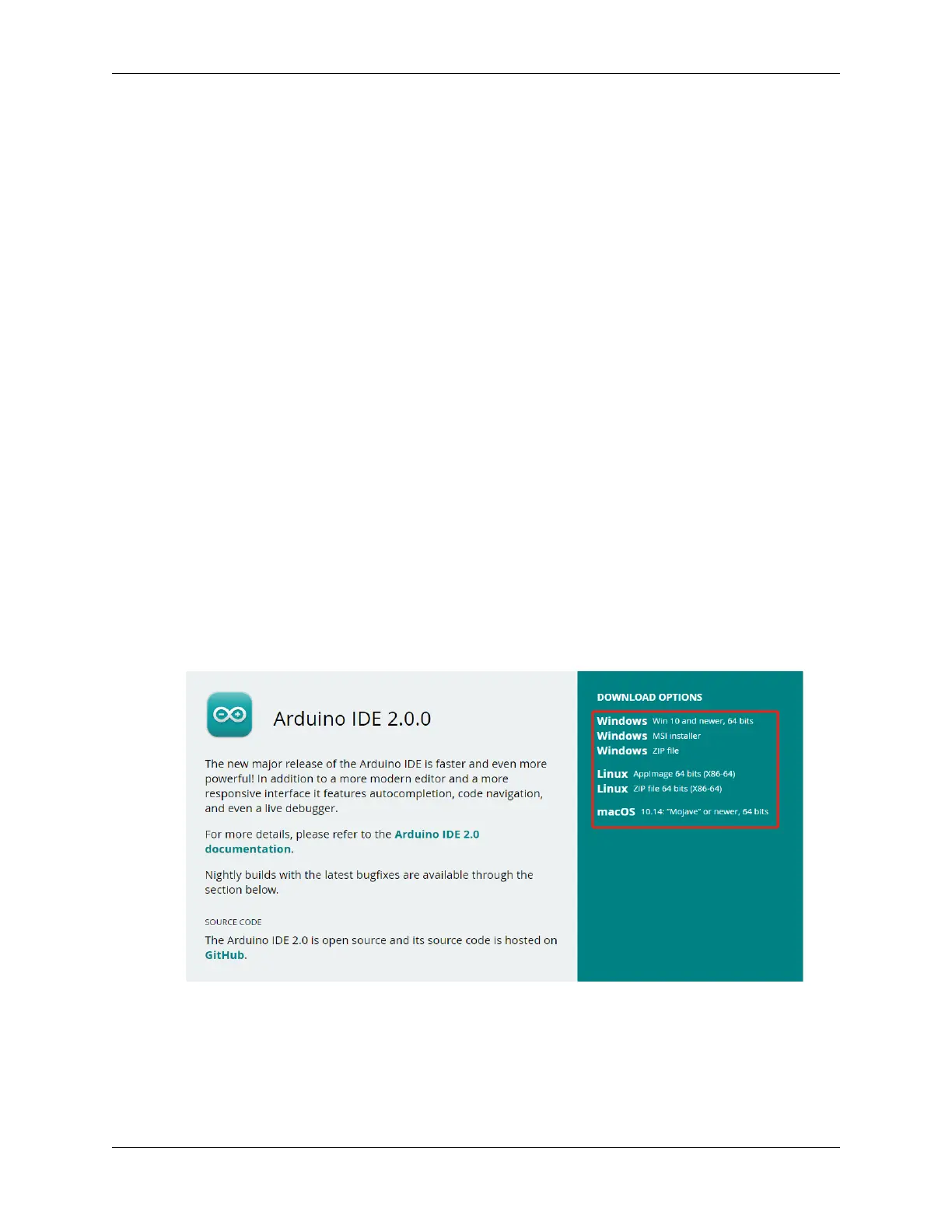
1. Vist .
2. Download the IDE for your OS version.
54 Chapter 2. Get Started with Arduino



 To Next Page