SunFounder 3in1 Kit
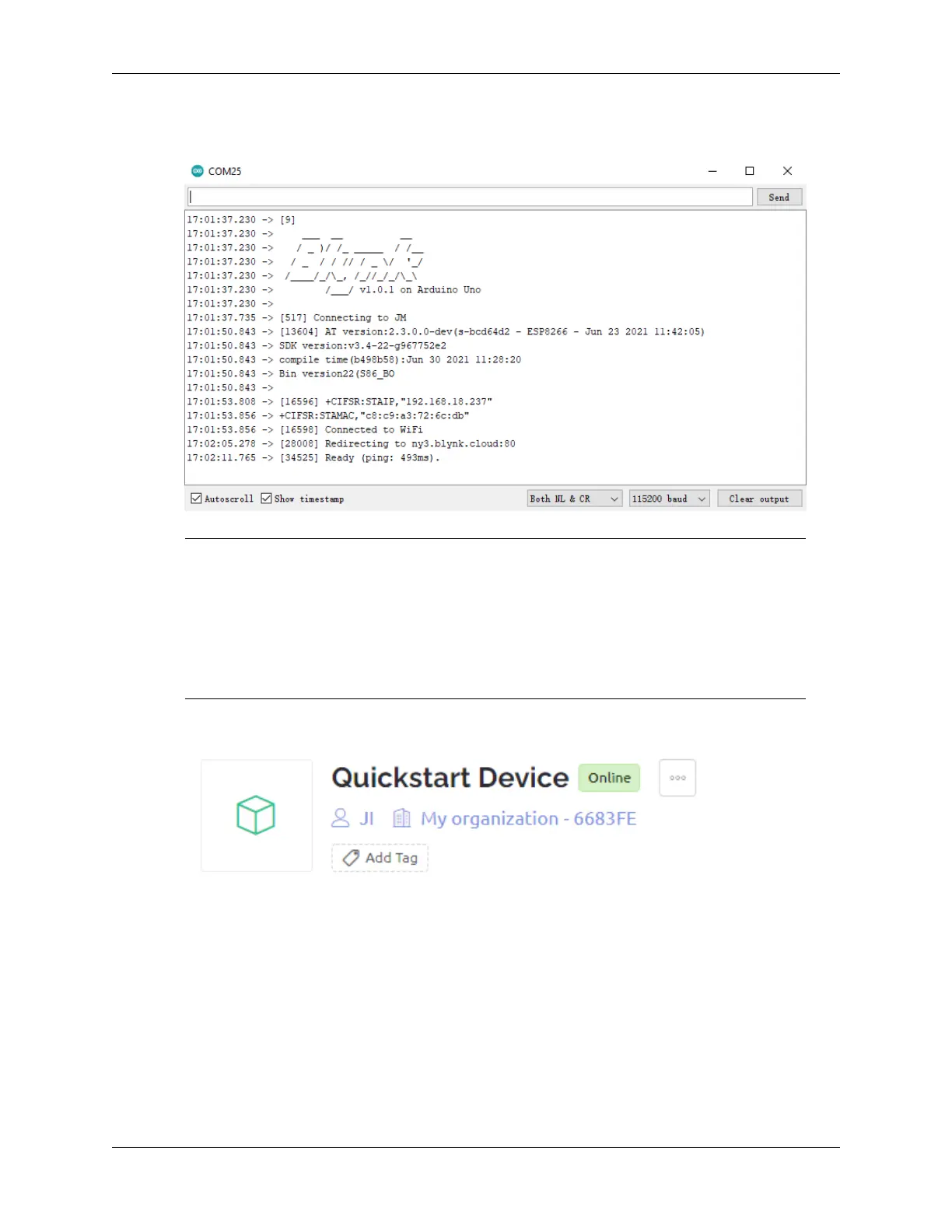
5. Upload the code to the R4 board, then open the serial monitor and set the baud rate to 115200. when the R4
board communicates with Blynk successfully, the serial monitor will show the ready character.
Note: If the message ESP is not responding appears when you connect, please follow these
steps.
• Make sure the 9V battery is plugged in.
• Reset the ESP8266 module by connecting the pin RST to GND for 1 second, then unplug it.
• Press the reset button on the R4 board.
Sometimes, you may need to repeat the above operation 3-5 times, please be patient.
6. The status of Blynk will change from offline to online.
6.2 2. Get Data from Blynk
You will learn how to control the circuit with Blynk in this chapter. Let’s light up the LEDs over the Internet!
Required Components
In this project, we need the following components.
It’s definitely convenient to buy a whole kit, here’s the link:
280 Chapter 6. IoT Projects



 To Next Page