SunFounder 3in1 Kit
After the code is uploaded successfully, you will see “SunFounder”, “Hello World” on the I2C LCD1602.
Note: If the code and wiring are fine, but the LCD still does not display content, you can turn the potentiometer on
the back.
How it works?
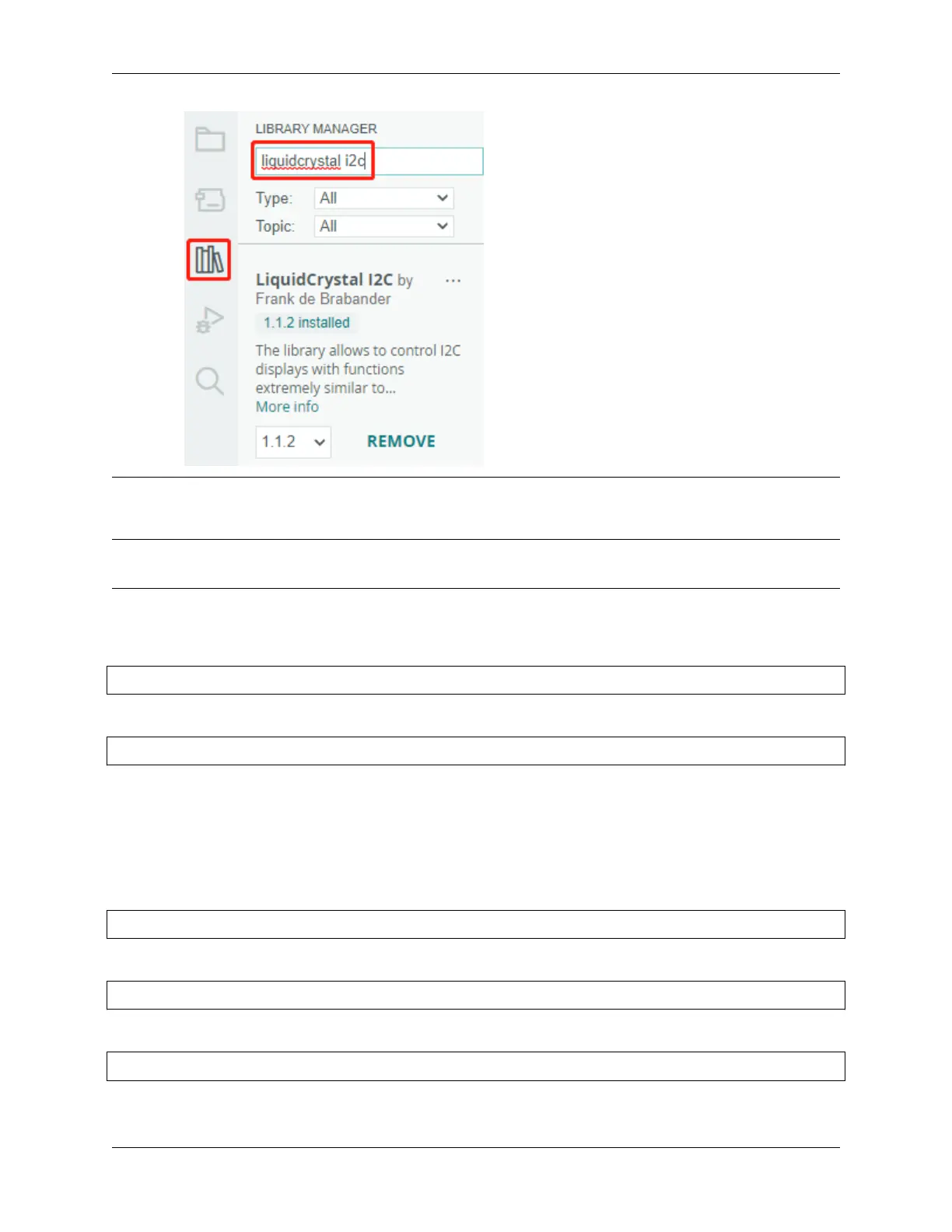
By calling the library LiquidCrystal_I2C.h, you can easily drive the LCD.
#include "LiquidCrystal_I2C.h"
Library Functions:
LiquidCrystal_I2C(uint8_t lcd_Addr,uint8_t lcd_cols,uint8_t lcd_rows)
Creates a new instance of the LiquidCrystal_I2C class that represents a particular LCD attached to your Arduino
board.
• lcd_AddR: The address of the LCD defaults to 0x27.
• lcd_cols: The LCD1602 has 16 columns.
• lcd_rows: The LCD1602 has 2 rows.
void init()
Initialize the lcd.
void backlight()
Turn the (optional) backlight on.
void nobacklight()
Turn the (optional) backlight off.
4.5. 5. More Syntax 171



 To Next Page