SunFounder 3in1 Kit
Note:
• Open the 5.11.ir_receiver.ino file under the path of 3in1-kit\learning_project\5.11.
ir_receiver.
• Or copy this code into Arduino IDE.
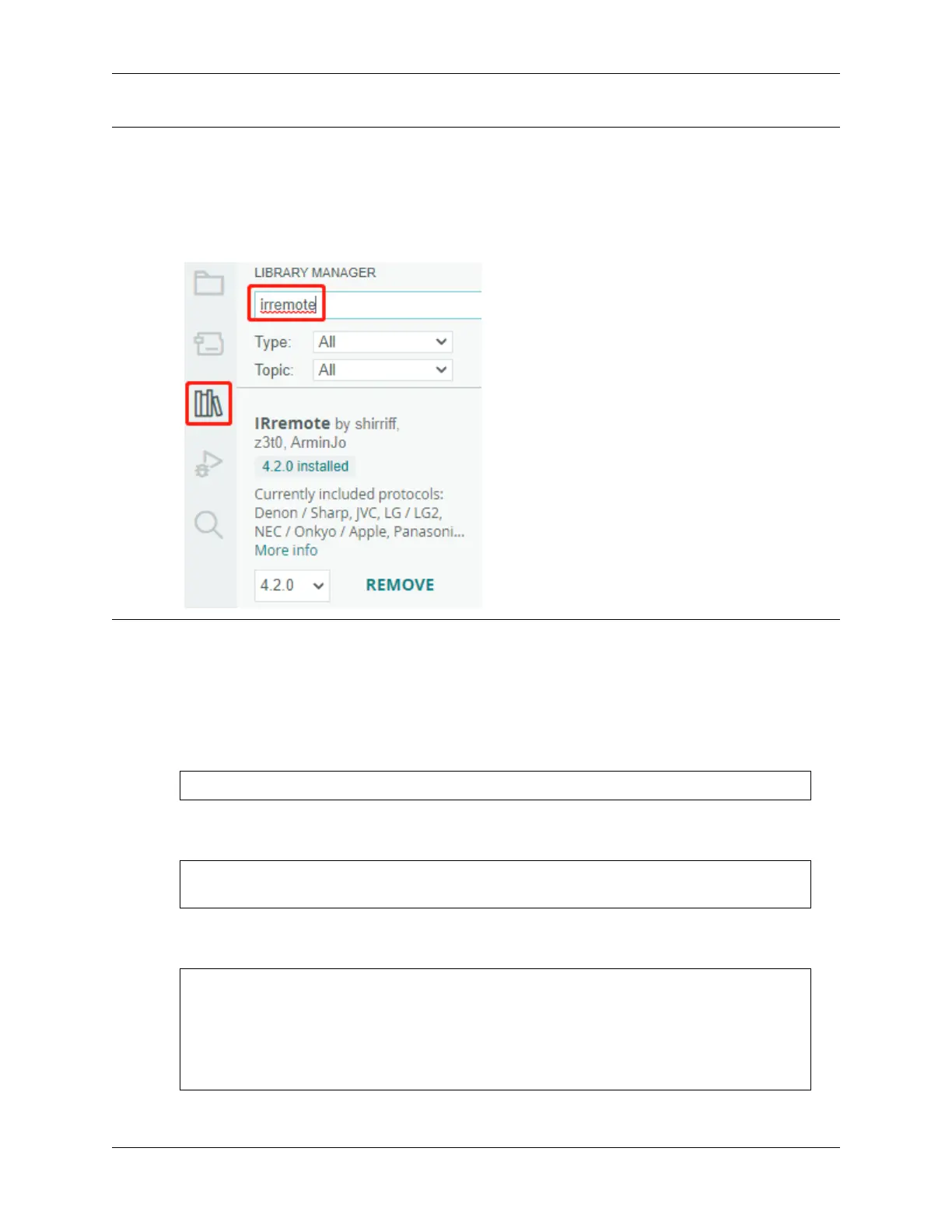
• The IRremote library is used here, you can install it from the Library Manager.
After uploading the codes to the R4 board, you can see that the current value of the pressed button of IR Remote
Controller displays on the serial monitor.
How it works?
This code is designed to work with an infrared (IR) remote control using the IRremote library. Here’s the breakdown:
1. Include Libraries: This includes the IRremote library, which provides functions to work with IR remote controls.
#include <IRremote.h>
2. Defines the Arduino pin to which the IR sensor’s signal pin is connected and declares a variable to store the last
decoded IR value.
const int IR_RECEIVE_PIN = 11; // Define the pin number for the IR Sensor
String lastDecodedValue = ""; // Variable to store the last decoded value
3. Initializes serial communication at a baud rate of 9600. Initializes the IR receiver on the specified pin
(IR_RECEIVE_PIN) and enables LED feedback (if applicable).
void setup() {
Serial.begin(9600); // Start serial␣
˓→communication at 9600 baud rate
IrReceiver.begin(IR_RECEIVE_PIN, ENABLE_LED_FEEDBACK); // Start the IR␣
˓→receiver
}
4. The loop runs continuously to process incoming IR remote signals.
174 Chapter 4. Basic Projects



 To Next Page