SunFounder 3in1 Kit
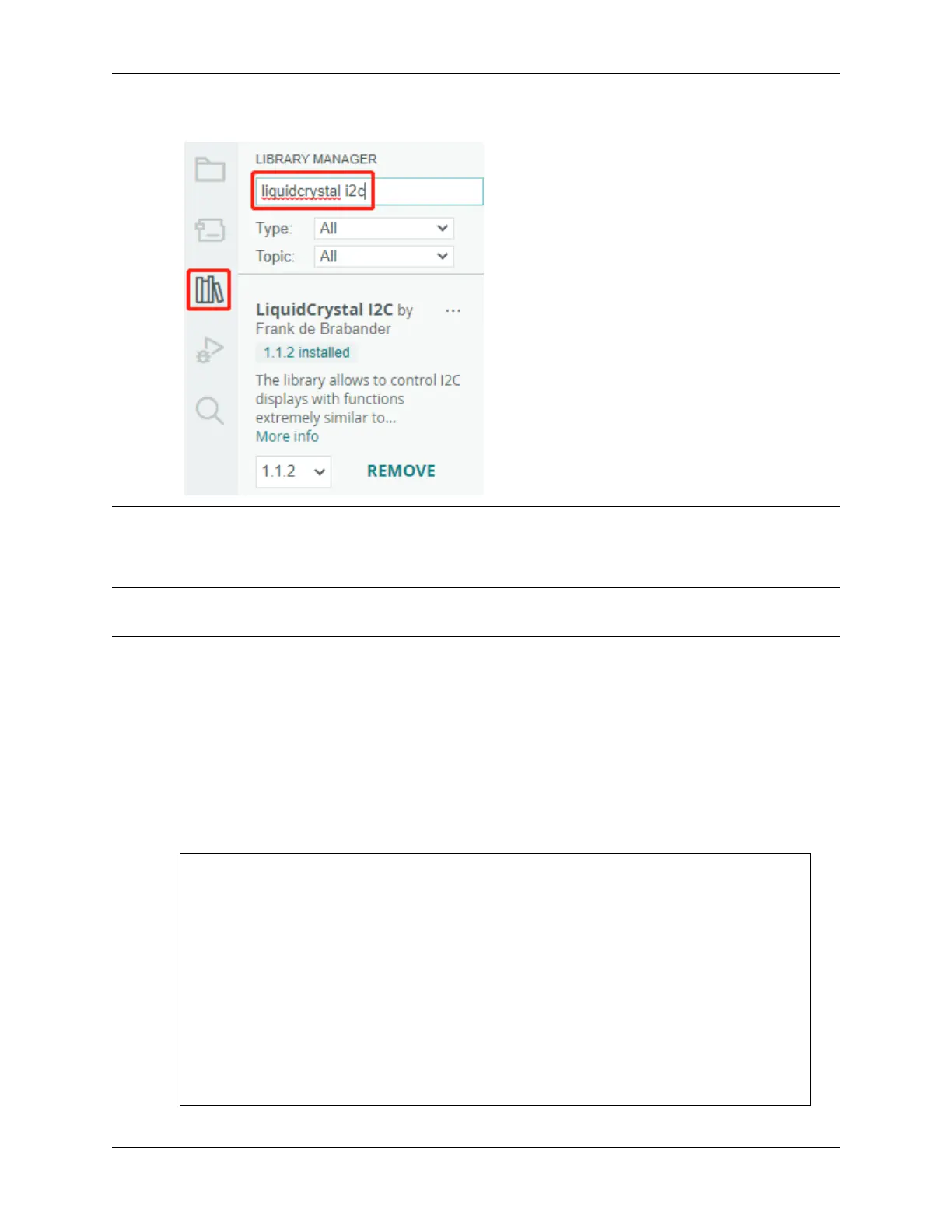
• The LiquidCrystal I2C library is used here, you can install it from the Library Manager.
After the code is successfully uploaded, the current detected distance will be displayed on the LCD. Then the buzzer
will change the sounding frequency according to different distances.
Note: If the code and wiring are fine, but the LCD still does not display content, you can turn the potentiometer on
the back.
How it works?
This code helps us create a simple distance measuring device that can measure the distance between objects and provide
feedback through an LCD display and a buzzer.
The loop() function contains the main logic of the program and runs continuously. Let’s take a closer look at the
loop() function.
1. Loop to read distance and update parameters
In the loop, the code first reads the distance measured by the ultrasonic module and updates the
interval parameter based on the distance.
// Update the distance
distance = readDistance();
// Update intervals based on distance
if (distance <= 10) {
intervals = 300;
} else if (distance <= 20) {
intervals = 500;
} else if (distance <= 50) {
intervals = 1000;
} else {
intervals = 2000;
}
4.6. 6. Funny Project 209



 To Next Page