SunFounder 3in1 Kit
Code
Note:
• Open the 4.follow_the_line.ino file under the path of 3in1-kit\car_project\4.follow_the_line.
• Or copy this code into Arduino IDE.
• Or upload the code through the Arduino Web Editor.
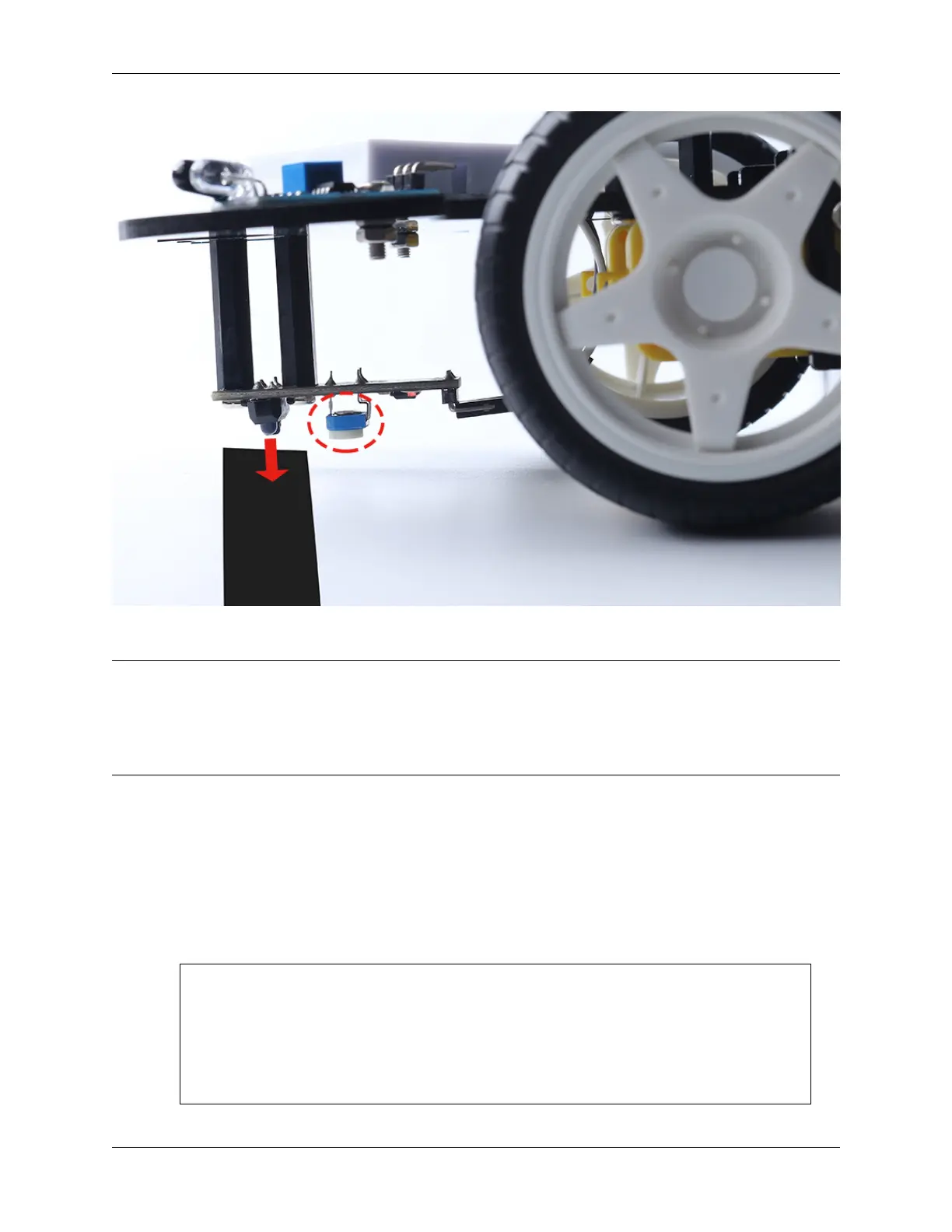
After uploading the code to the R4 board, then align the Line Tracking module under the car with the black line, and
you will see the car following the line.
How it works?
In this code, it is letting the two motors micro-rotate left and right according to the value of the Line Track module so
that you can see the car following the black line.
1. Add the pin definition for the Line Tracking module, here it is set to INPUT. Here also initialize the serial monitor
and set the baud rate to 9600bps.
...
const int lineTrack = 2;
Serial.begin(9600);
void setup() {
...
pinMode(lineTrack, INPUT);
}
242 Chapter 5. Car Projects



 To Next Page