SunFounder 3in1 Kit
After the code is uploaded successfully, press the button on the remote control, the LED will blink once to represent that
the signal has been received, and the car will move according to the button you pressed. You can press the following
keys to control the car.
• +: Accelerate
• -: Decelerate
• 1: Forward to the left
• 2: Forward
• 3: Forward to the right
• 4: Turn left
• 6: Turn right
• 7: Backward to the left
• 8: Backward
• 9: Backward to the right
How it works?
The effect of this project is to make the car move by reading the key value of the IR remote control. In addition, an
LED is added to indicate that the IR signal has been successfully received.
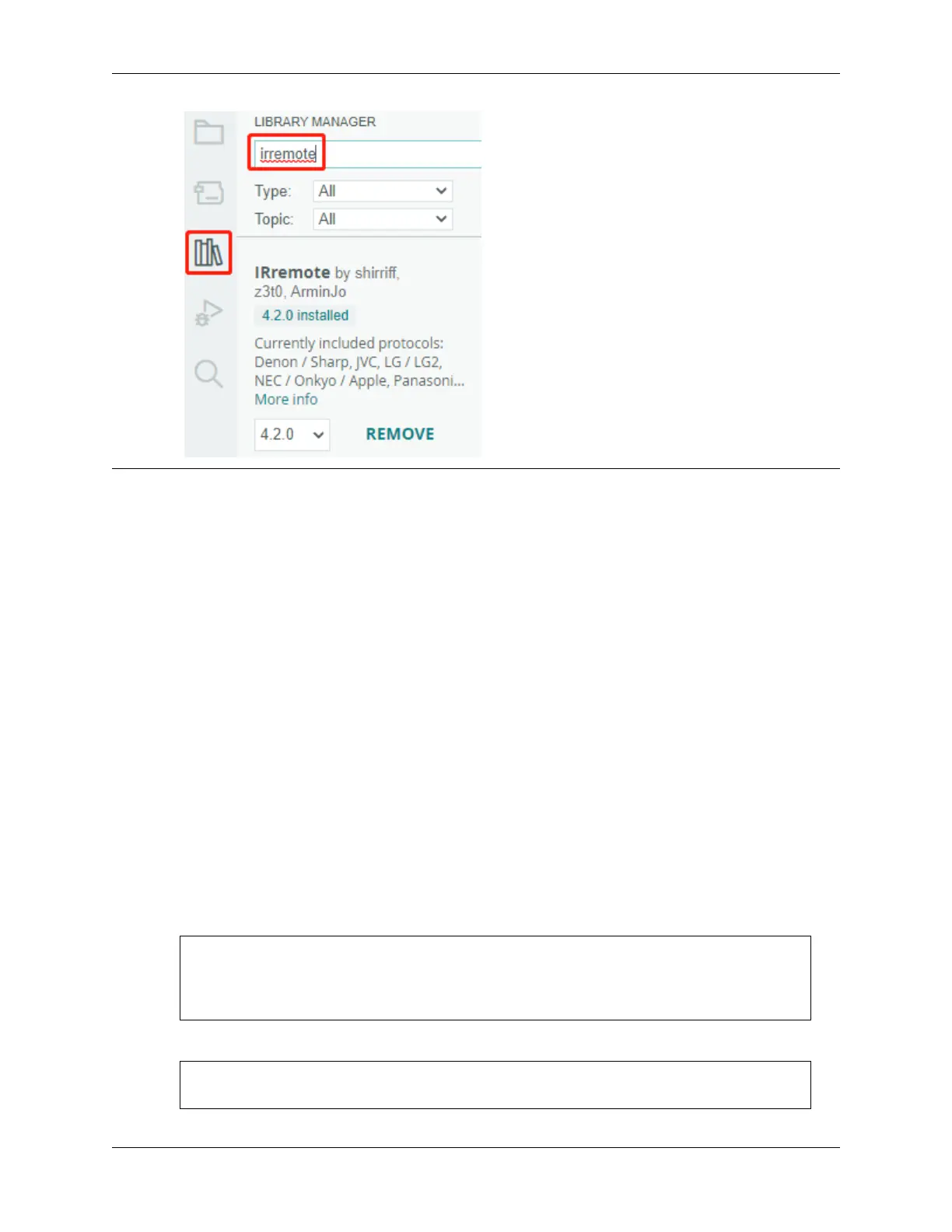
1. Import the IRremote library, you can install it from the Library Manager.
#include <IRremote.h>
const int IR_RECEIVE_PIN = 12; // Define the pin number for the IR Sensor
String lastDecodedValue = ""; // Variable to store the last decoded value
2. Initialize the IR receiver and the LED.
...
const int ledPin = 13;
(continues on next page)
5.10. 9. Remote Control 259



 To Next Page