SunFounder 3in1 Kit
6. If you want to use Blynk on mobile devices, please refer to How to use Blynk on mobile device?.
How it works?
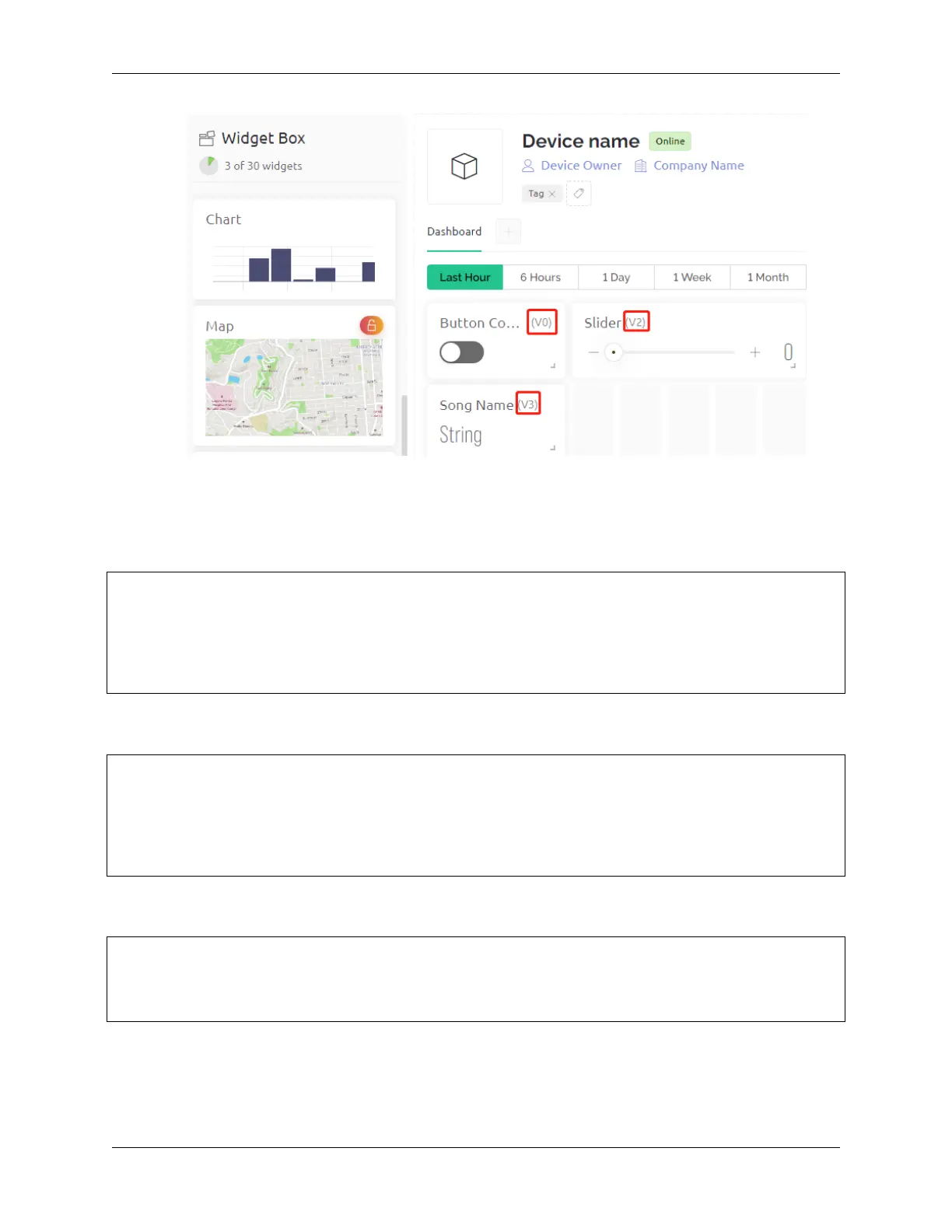
The datastream V0 is used to get the status of the Switch widget and assign it to the variable music-
PlayFlag, which controls pausing and playing the music.
int musicPlayFlag=0;
BLYNK_WRITE(V0)
{
musicPlayFlag = param.asInt(); // START/PAUSE MUSIC
}
The data stream V2 is used to get the value of the slider widget and assign it to the variable scrubBar when the slider
is moved.
int scrubBar=0;
BLYNK_WRITE(V2)
{
scrubBar=param.asInt();
}
When the device is connected to the Blynk Cloud, write the music name for the V3 datastream and then display it with
the Label widget.
BLYNK_CONNECTED() {
String songName = "Ode to Joy";
Blynk.virtualWrite(V3, songName);
}
Blynk Timer will execute every second. Music is played if musicPlayFlag is not 0, i.e. the Switch widget is ON. As
soon as two notes are played, the progress bar variable scrubBar is incremented by 2, and the value is then written to
the Blynk Cloud, which synchronizes the value of the Slider widget.
300 Chapter 6. IoT Projects



 To Next Page