SunFounder 3in1 Kit
1. Replace the Template ID, Device Name, and Auth Token with your own. You also need to enter the ssid
and password of the WiFi you are using. For detailed tutorials, please refer to 1.4 Connecting the R4 board to
Blynk.
2. After selecting the correct board and port, click the Upoad button.
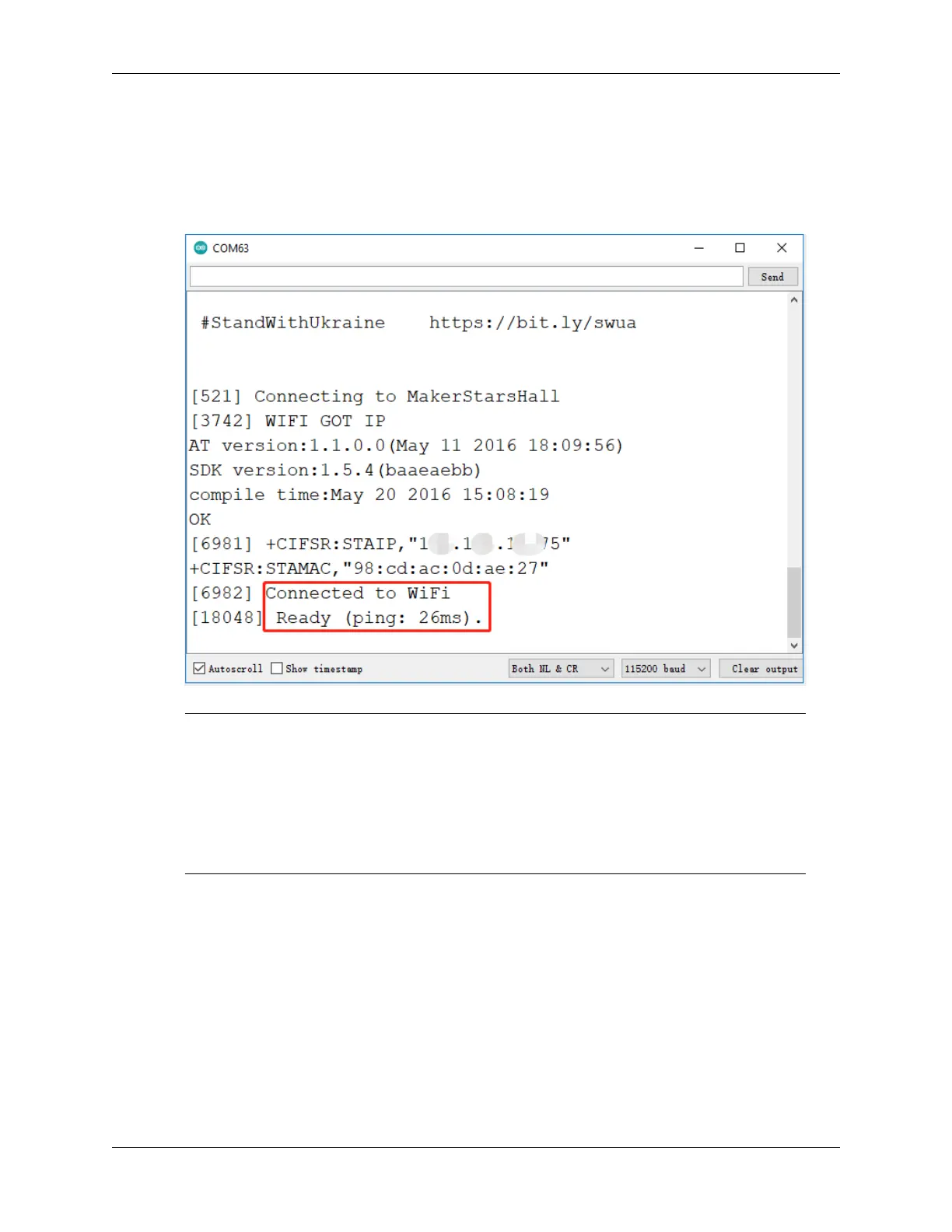
3. Open the Serial monitor(set baudrate to 115200) and wait for a prompt such as a successful connection to appear.
Note: If the message ESP is not responding appears when you connect, please follow these
steps.
• Make sure the 9V battery is plugged in.
• Reset the ESP8266 module by connecting the pin RST to GND for 1 second, then unplug it.
• Press the reset button on the R4 board.
Sometimes, you may need to repeat the above operation 3-5 times, please be patient.
4. Back to the Blynk, you will see the current temperature, humidity, light intensity, and soil moisture. You can let
the pump water the plants if necessary by clicking the Button Control widget.
6.6. 6. Plant Monitor 313



 To Next Page