SunFounder 3in1 Kit
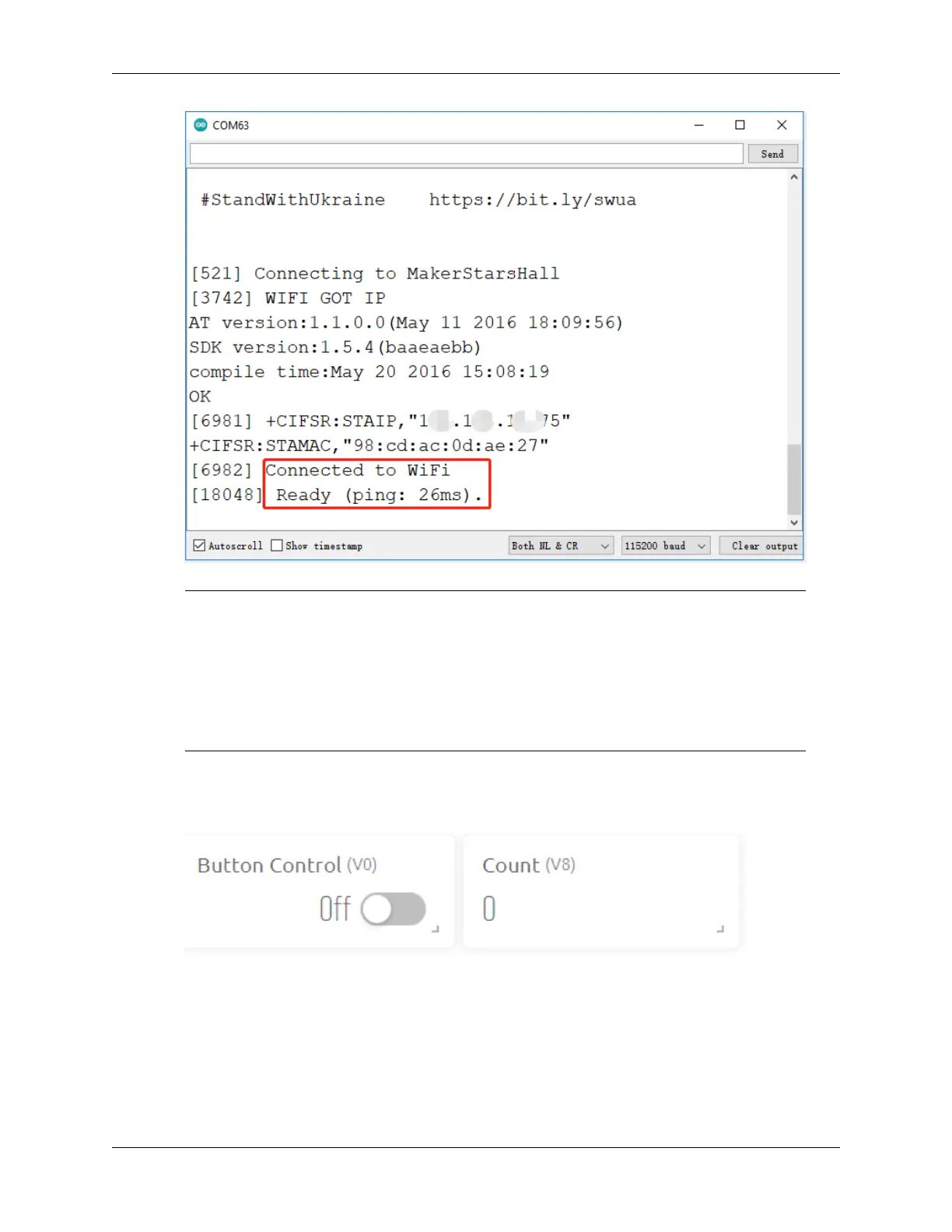
Note: If the message ESP is not responding appears when you connect, please follow these
steps.
• Make sure the 9V battery is plugged in.
• Reset the ESP8266 module by connecting the pin RST to GND for 1 second, then unplug it.
• Press the reset button on the R4 board.
Sometimes, you may need to repeat the above operation 3-5 times, please be patient.
5. Now click on the Button Control widget on Blynk to enable the smart door system. If the IR obstacle avoidance
module detects an obstacle, the gate will open and the 7-segment display and the Count widget on Blynk will
add 1.
6. If you want to use Blynk on mobile devices, please refer to How to use Blynk on mobile device?.
320 Chapter 6. IoT Projects



 To Next Page