SunFounder 3in1 Kit
Parameters
– pin: the Arduino pin number.
– value: HIGH or LOW.
Example of Digital Write:
const int pin = 13;
void setup() {
pinMode(pin, OUTPUT); // sets the digital pin as output
}
void loop() {
digitalWrite(pin, HIGH); // sets the digital pin on
delay(1000); // waits for a second
digitalWrite(pin, LOW); // sets the digital pin off
delay(1000); // waits for a second
}
Notes and Warnings
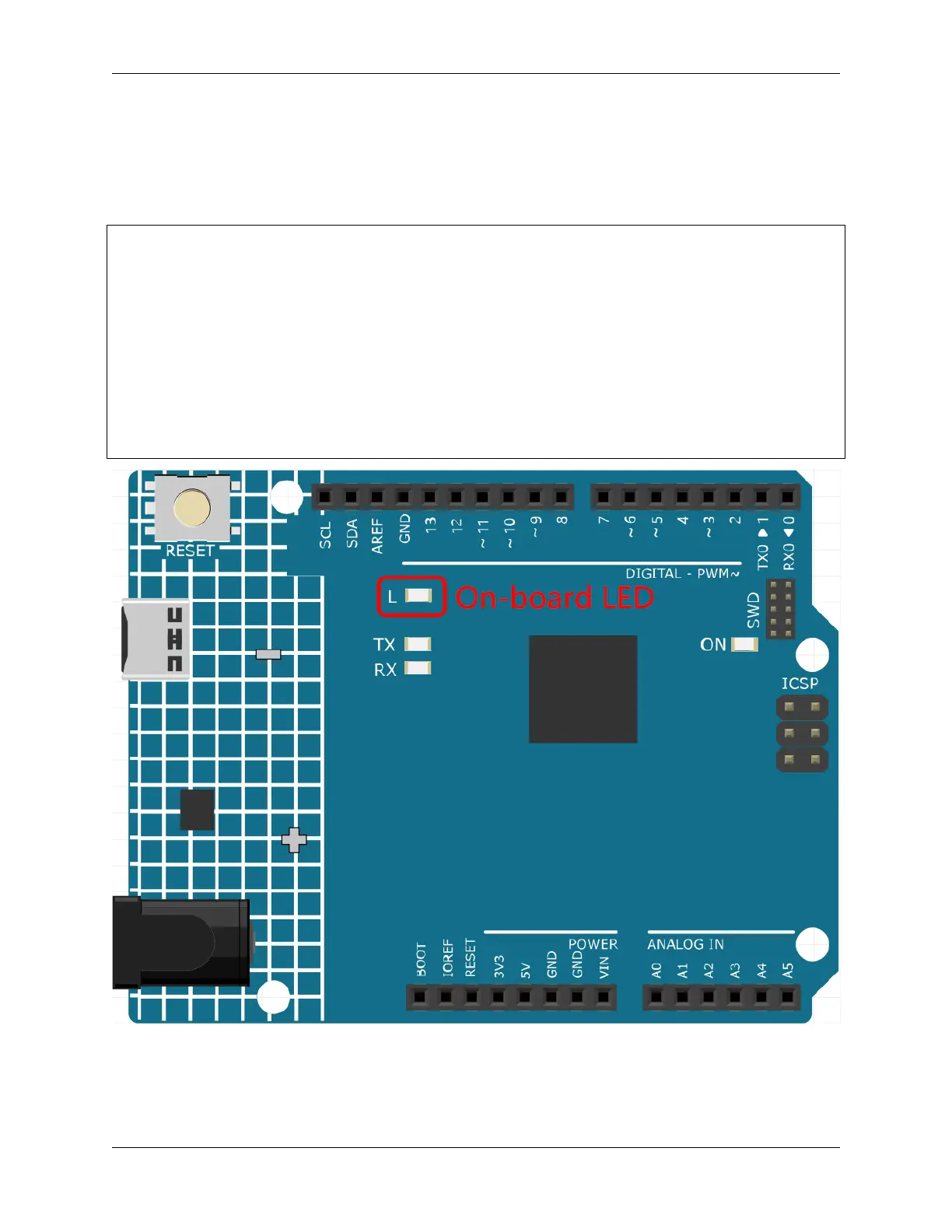
• The pins 0~13 are all digital pins.
• Do not use pins 0 and 1, as they are used to communicate with the computer. Connecting anything to these pins
88 Chapter 4. Basic Projects



 To Next Page