SunFounder 3in1 Kit
Code
Note:
• You can open the file 1.1.hello_led.ino under the path of 3in1-kit\learning_project\1.1.
hello_led.
• Or copy this code into Arduino IDE.
After the code is uploaded successfully, you will see the LED blinking.
How it works?
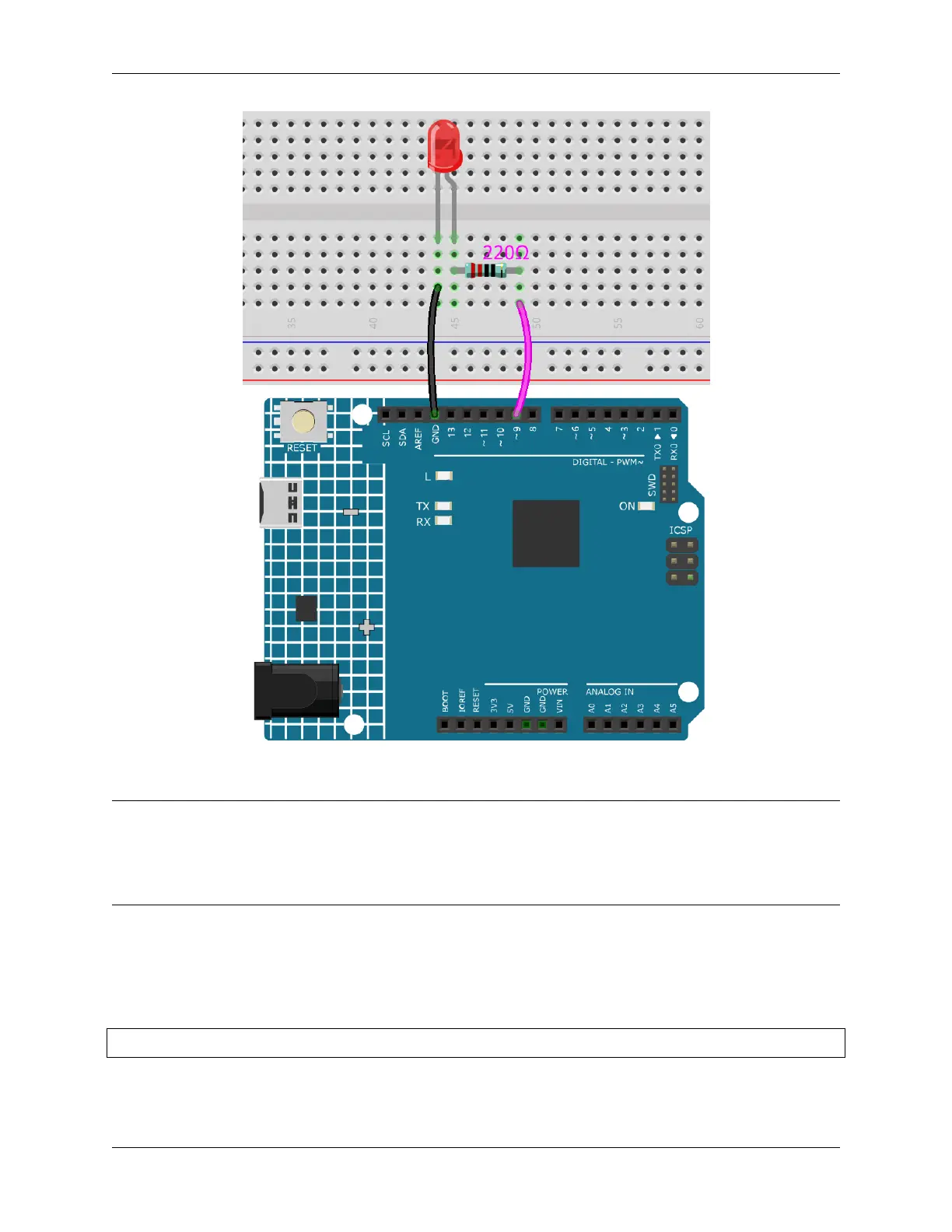
Here, we connect the LED to the digital pin 9, so we need to declare an int variable called ledpin at the beginning of
the program and assign a value of 9.
const int ledPin = 9;
Now, initialize the pin in the setup() function, where you need to initialize the pin to OUTPUT mode.
90 Chapter 4. Basic Projects



 To Next Page