Need help?
Do you have a question about the Sungrow eShow and is the answer not in the manual?
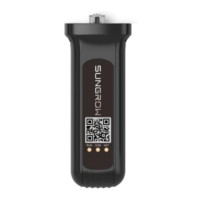
Connect the eShow unit to the inverter using the provided bracket and M4 screw.
Instructions for manually initiating or halting the inverter's power generation process.
Configure key operational parameters like power limits, standby, and recovery times.
Configure protective parameter thresholds to trigger safety functions and prevent damage.
Access and review a log of past faults and error codes for diagnostic purposes.
Guide to diagnose and resolve common faults and error codes displayed by the inverter.
 General
| Brand | Sungrow |
|---|---|
| Model | eShow |
| Category | Control Unit |
| Language | English |


 To Next Page