SRC-7000 User’s Manual
22
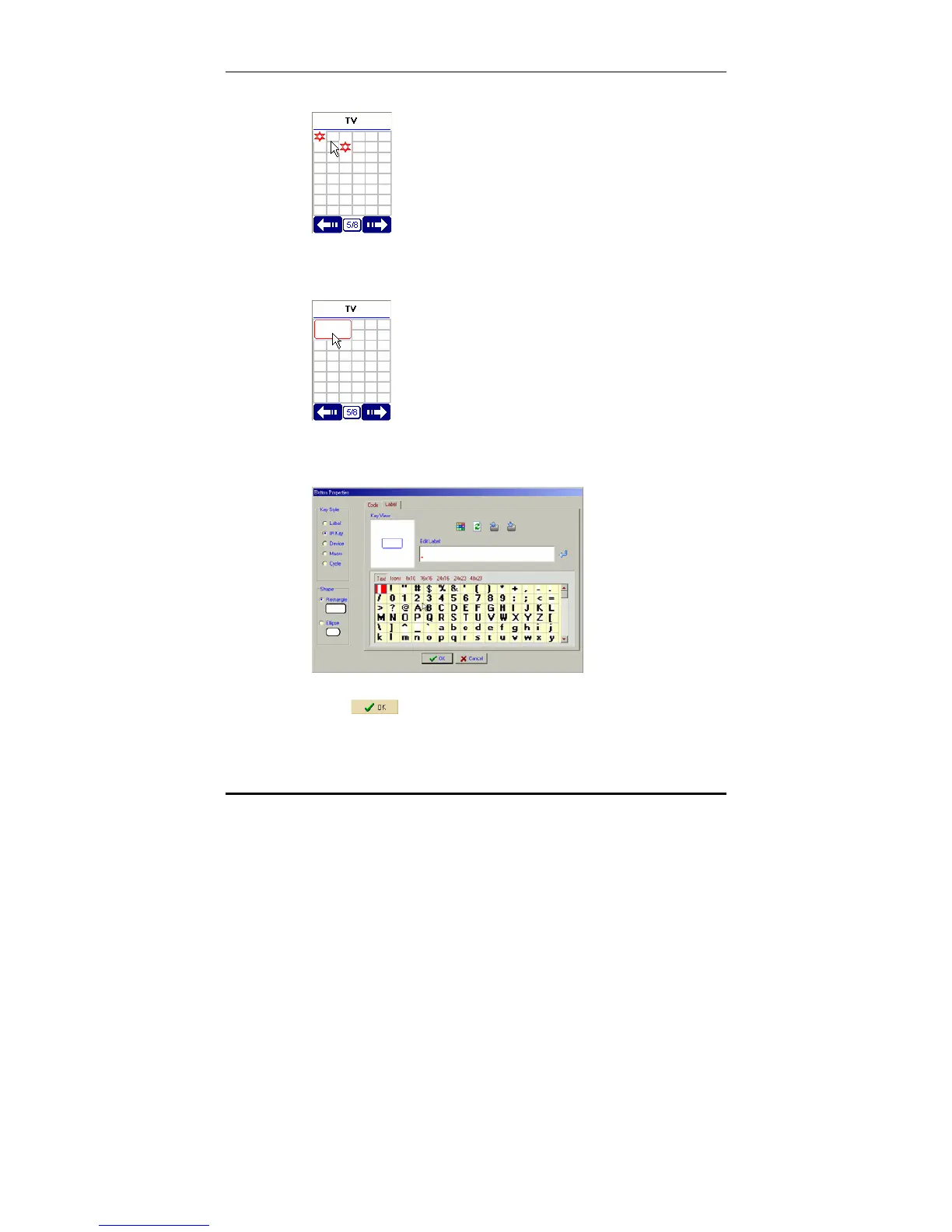
C. left click in the middle of two points.
D. A new button will appear in the top left corner of the
LCD soft window.
4. Double click on the new button to display the key
properties window.
5. Name the new key as described on page 20.
6. Click
to return to the previous screen.
7. You can drag the new key to a new position on the
screen with the mouse.



 To Next Page