Creating a timer macro
33
Creating a timer macro
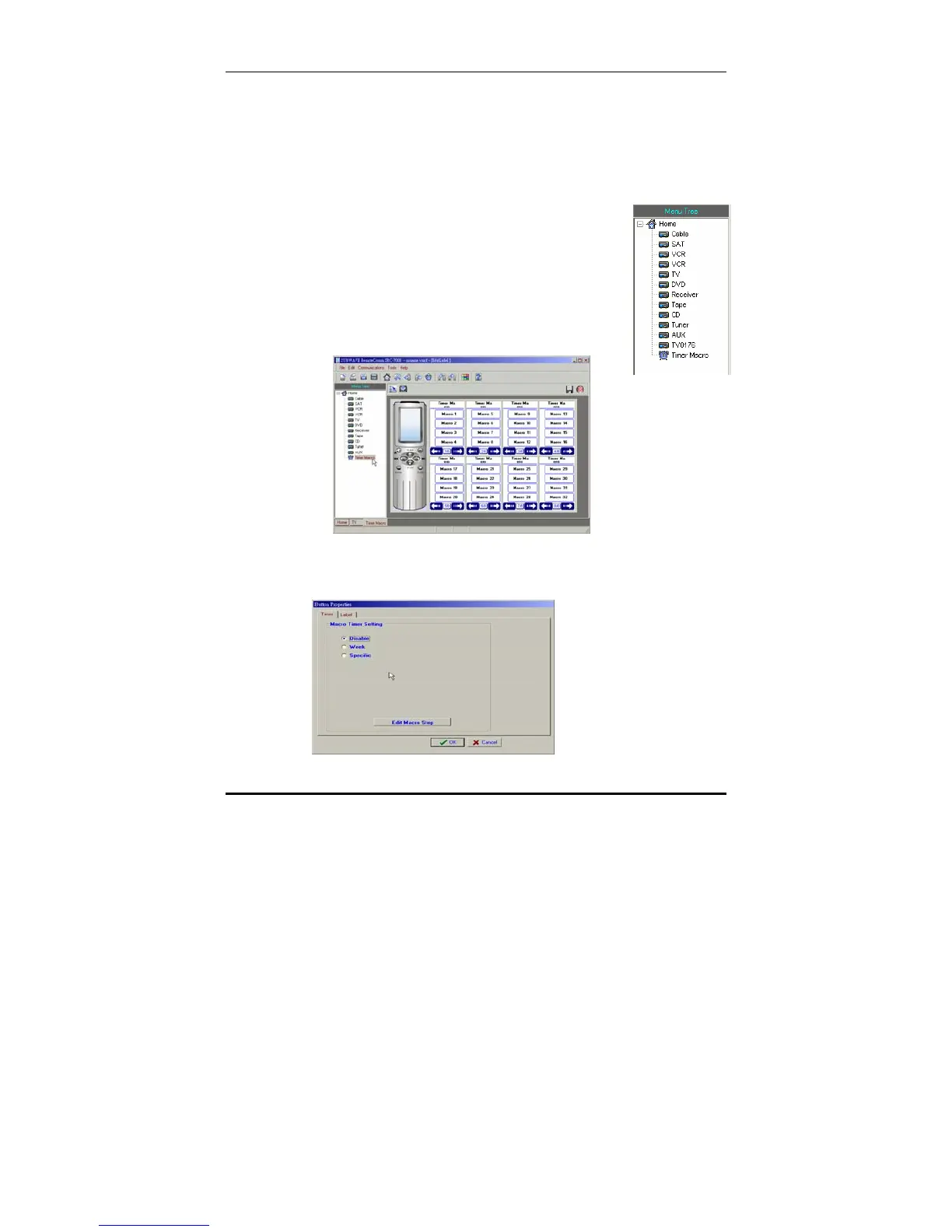
Up to 32 timer macros can be defined. Timer macro keys are the
same as ordinary macro keys, but a timer function may be set so
that the macro runs at a predetermined time.
To create a timer macro:
1. Start the RemoteComm software as
described in
Starting the software on page 7.
2. Click on the macro icon in the left hand.
The Home LCD soft window for timer macro
keys appears.
3. Double click the macro timer key to which you wish to
apply the timer.
The button properties window appears.



 To Next Page