Uploading to the remote control
45
Uploading to the remote control
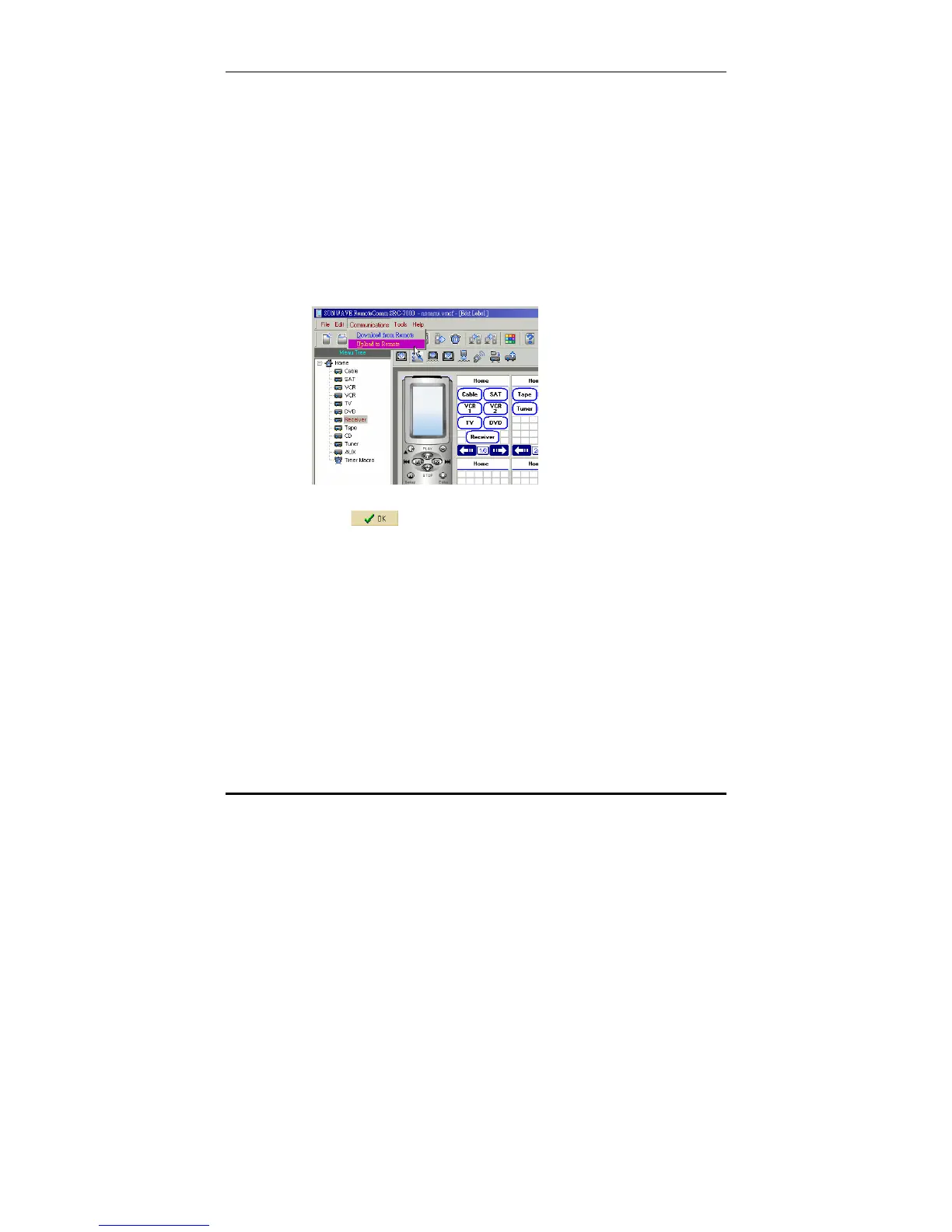
To upload a configuration to the SRC-7000:
1. Connect the SRC-7000 to the PC. See SRC-7000
RemoteComm installation on page 6.
2. Start the RemoteComm software as described in
Starting the software on page 7.
3. Click Communications and select Download From
Remote from the drop down menu. Click
Communications and select Upload to Remote from the
drop down menu.
A status bar shows the progress of the upload.
4. Click
to complete the process.



 To Next Page