SRC-7000 User’s Manual
52
Importing a library
To use the new icons you have created with the SRC-7000, you
must import the icon library using the RemoteComm software.
To import an icon library:
1. Start the RemoteComm software as described in Starting
the software on page 7.
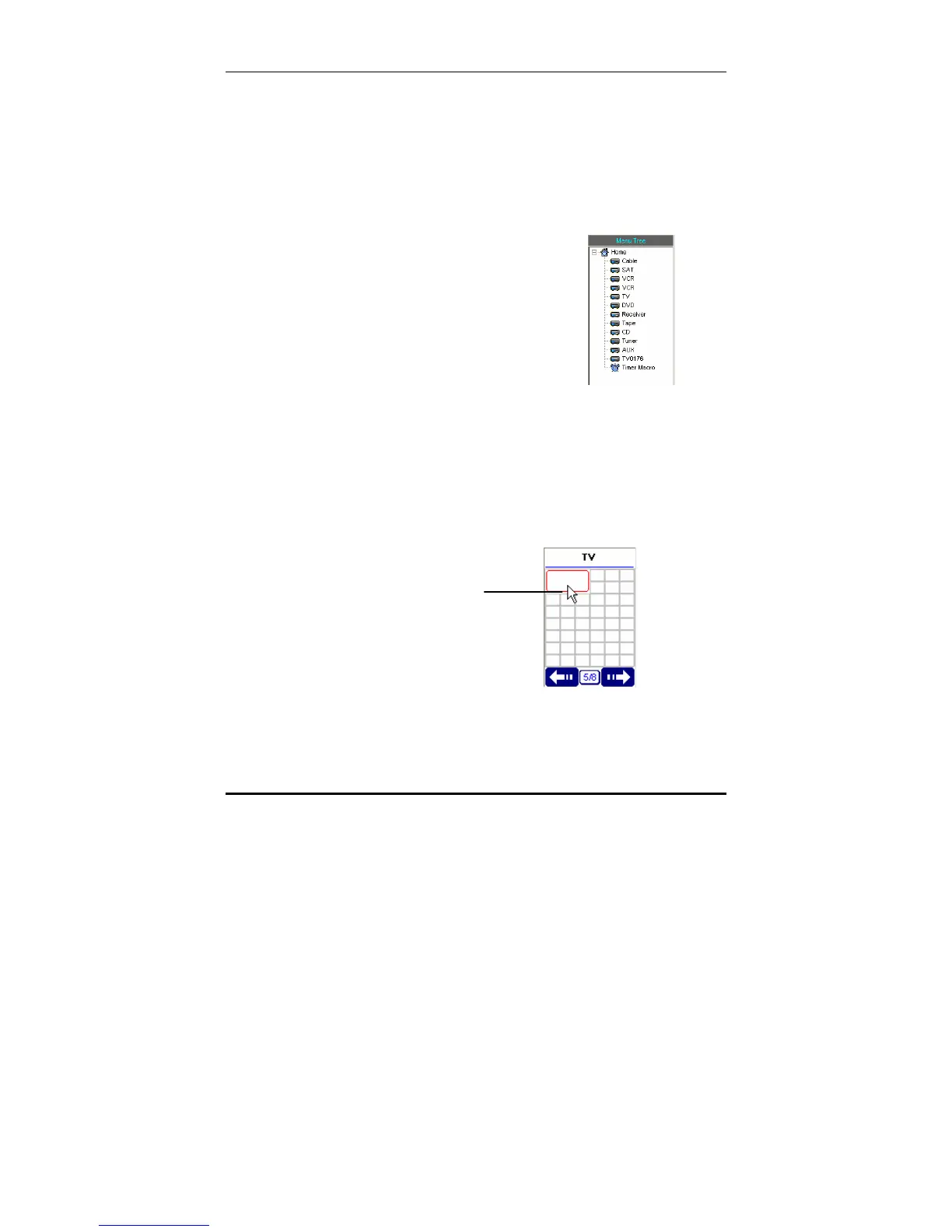
2. Select the device from the panel on
the left of the interface where the
button with the icon is displayed.
Note:
You can import your new edited icons and use them on any keys. If
the icon size is larger than the size of the button, the icon can't be
shown properly. Adjust the size of the button to accommodate the
icon. You may need to use square buttons to display some of the
larger icons.
Double click the button in the LCD soft window on which you want a
new icon to appear.
Double click a
button to see its
properties



 To Next Page