Changing an icon
51
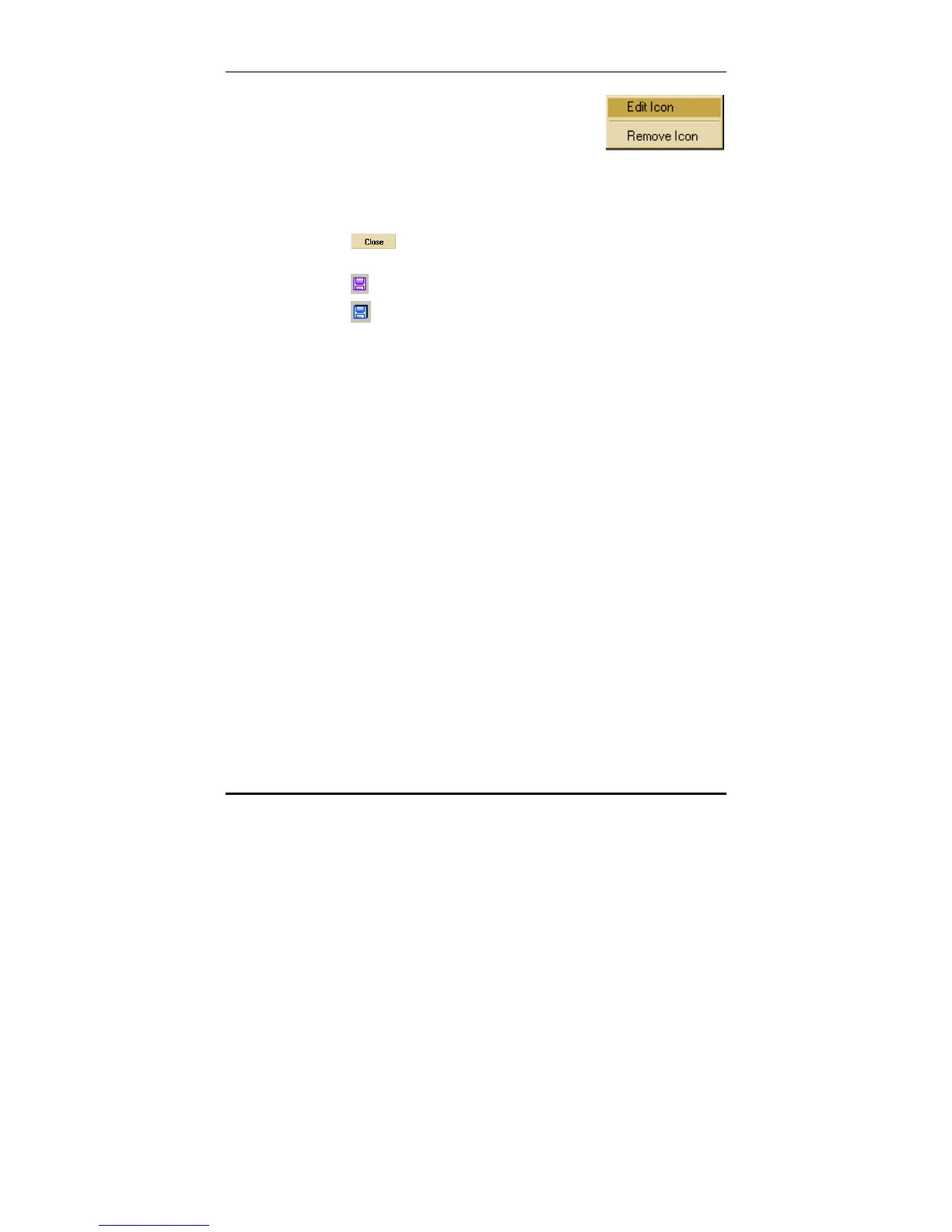
5. Right click on an icon in the library and
select Edit Icon to edit it. You can also
select Remove Icon to delete the icon
from the library.
Note: The library browser is divided into 5 pages of icons of different
sizes.
6. Click
to close the library browser window and
begin editing the icon.
7. Click
to save the finished icon to the library.
8. Click
to save the library file.



 To Next Page