SRC-7000 User’s Manual
48
Creating an Icon
Before creating an icon, you must first open a library file. See
Library files on last section.
To create a new icon:
1. Click
to begin creating a
new icon.
2. Choose the size of the icon
to create.
Note: Some large icons will not fit on
the smaller buttons, so make sure
you create an icon of the
appropriate size.
3. Click
.
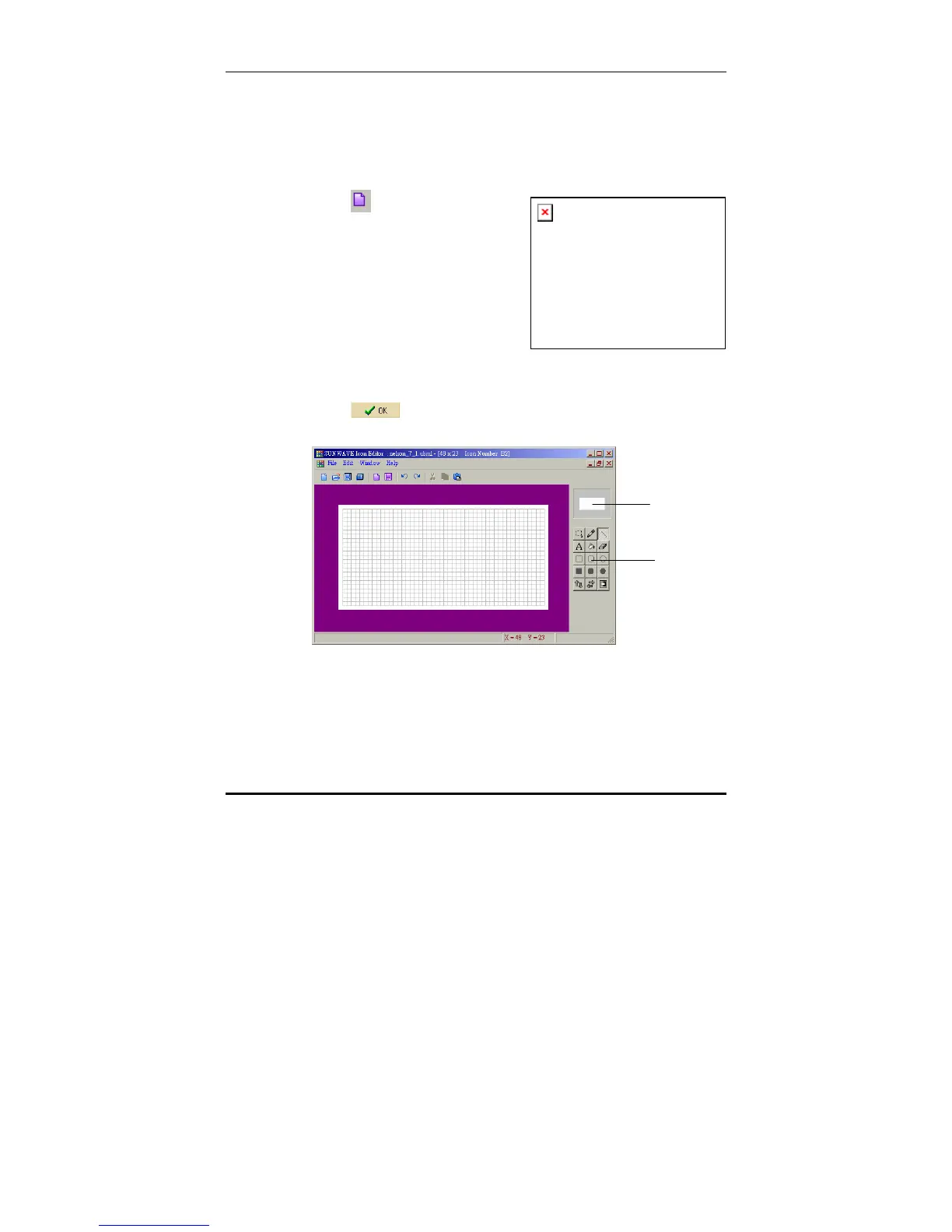
The following screen is displayed.
Tools pallet
Icon preview



 To Next Page