SRC-7000 User’s Manual
12
Using a pre-programmed code
The easiest way to program your SRC-7000 for a new device is to
use a pre-programmed code. The RemoteComm software is
equipped with a large database of pre-programmed codes.
To use a pre-programmed code:
1. Start the RemoteComm software as described in Starting
the software on page 7.
2. Select a VMCF file to modify. See page 7 for details of
how to select a VMCF file. When the VMCF file is loaded,
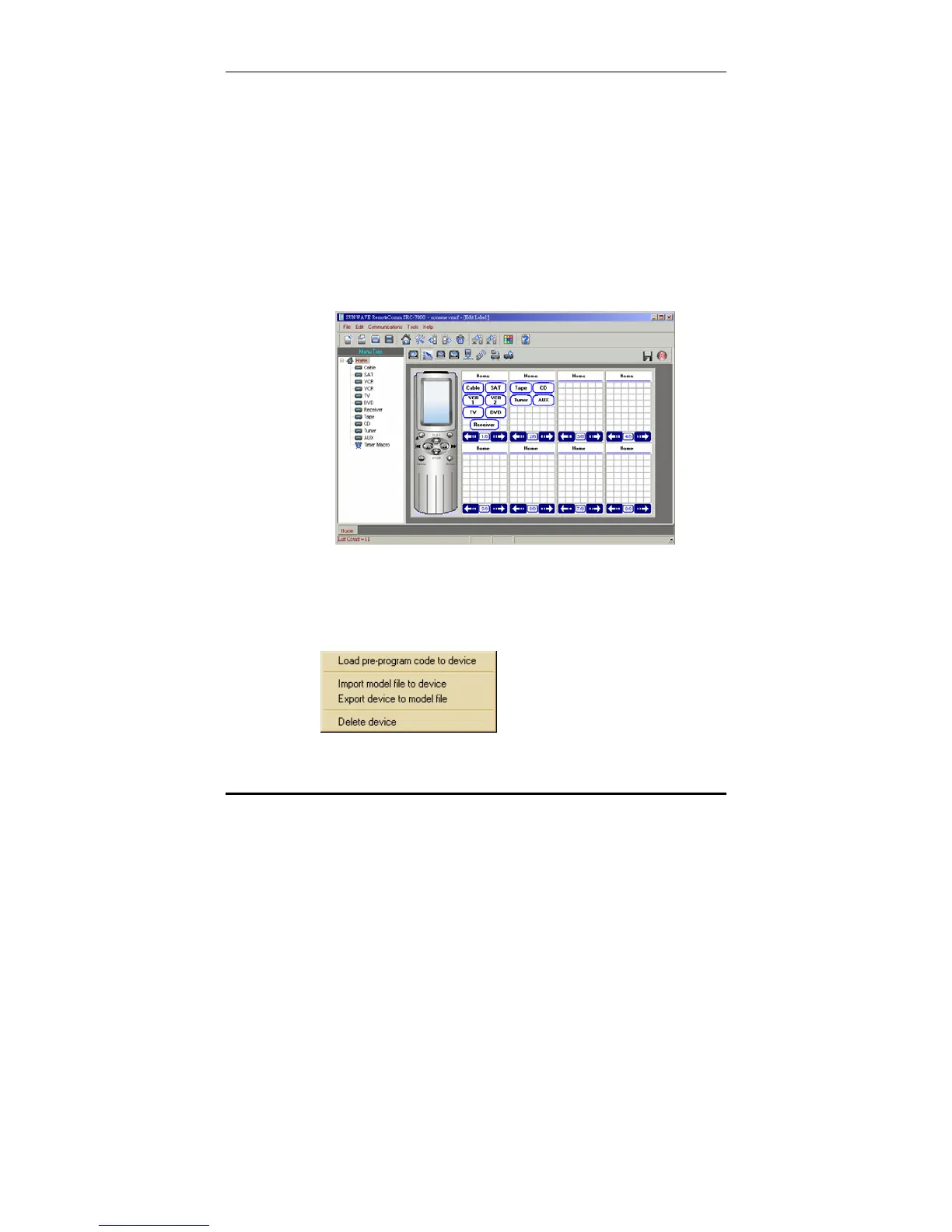
the window below is displayed:
You can modify any of the devices listed in the left hand
panel. As an example, let's assume that you want to
load a preprogrammed code to control your new TV.
3. Right click the TV icon in the left hand panel.
A drop down menu appears.



 To Next Page