Using a pre-programmed code
13
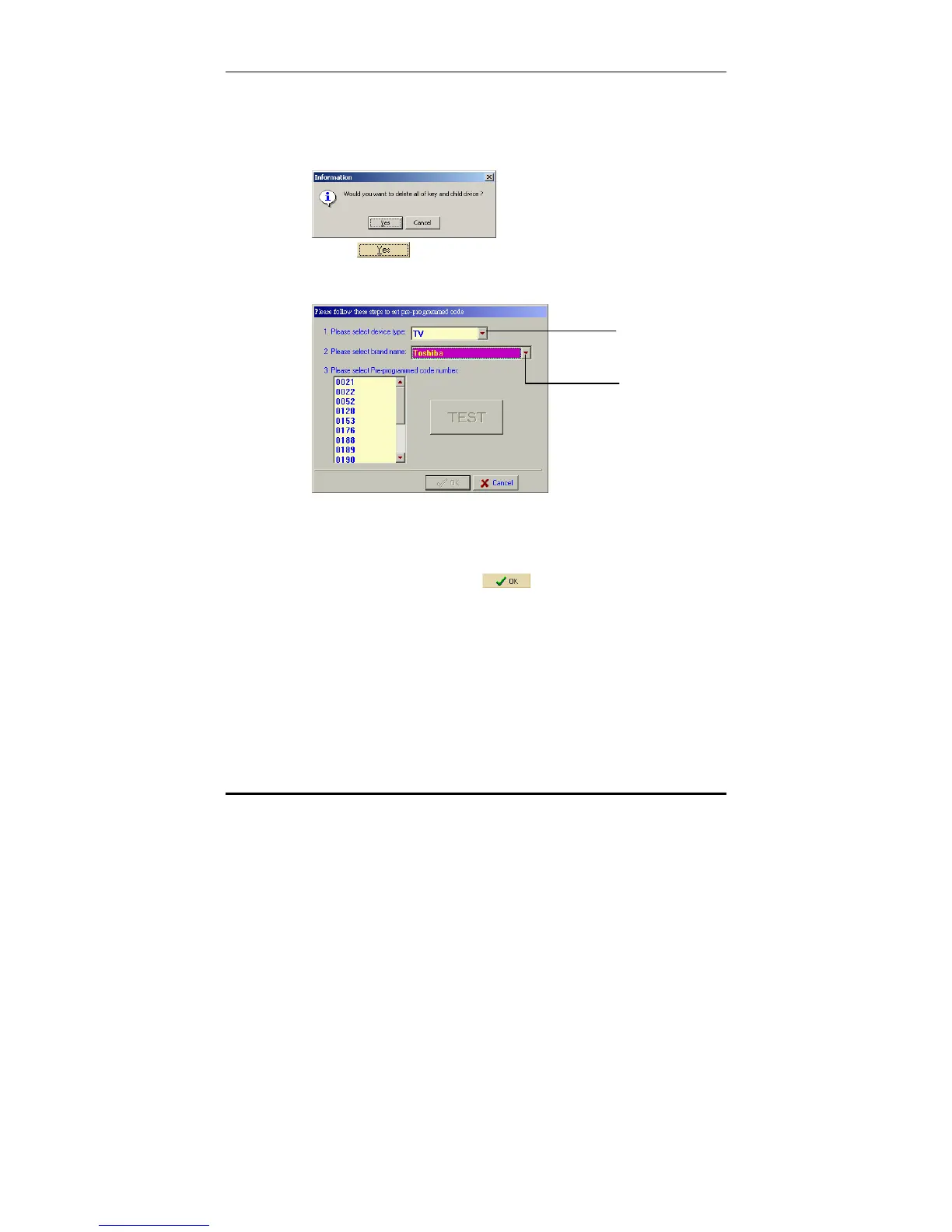
4. Select Load pre-programmed code to device from the
drop down menu.
A warning box appears asking you to confirm that the
original setting may be deleted.
5. Click
to confirm that you wish to overwrite the
existing configuration for the chosen device.
The pre-programmed code entry window appears.
6. Enter the device type and the brand name in the first
two fields.
7. If you know the pre-programmed code number, select it
from the list in the third field by clicking on it with the
mouse, and then press
.
8. If you don't know the pre-programmed code number,
you must perform a Test.
Enter device t



 To Next Page