SRC-7000 User’s Manual
14
Perform a Test to confirm which pre-programmed code is suit for
your device.
1. Turn on the device you are trying to control with the
SRC-7000 (in this case a TV).
2. Connect the remote control to the computer with the
SLC-2080 USB cable. See Connecting the SRC-7000 to a
PC on page 10.
3. Perform steps 1-6 above.
4. Point the SRC-7000 at the device you are trying to
control.
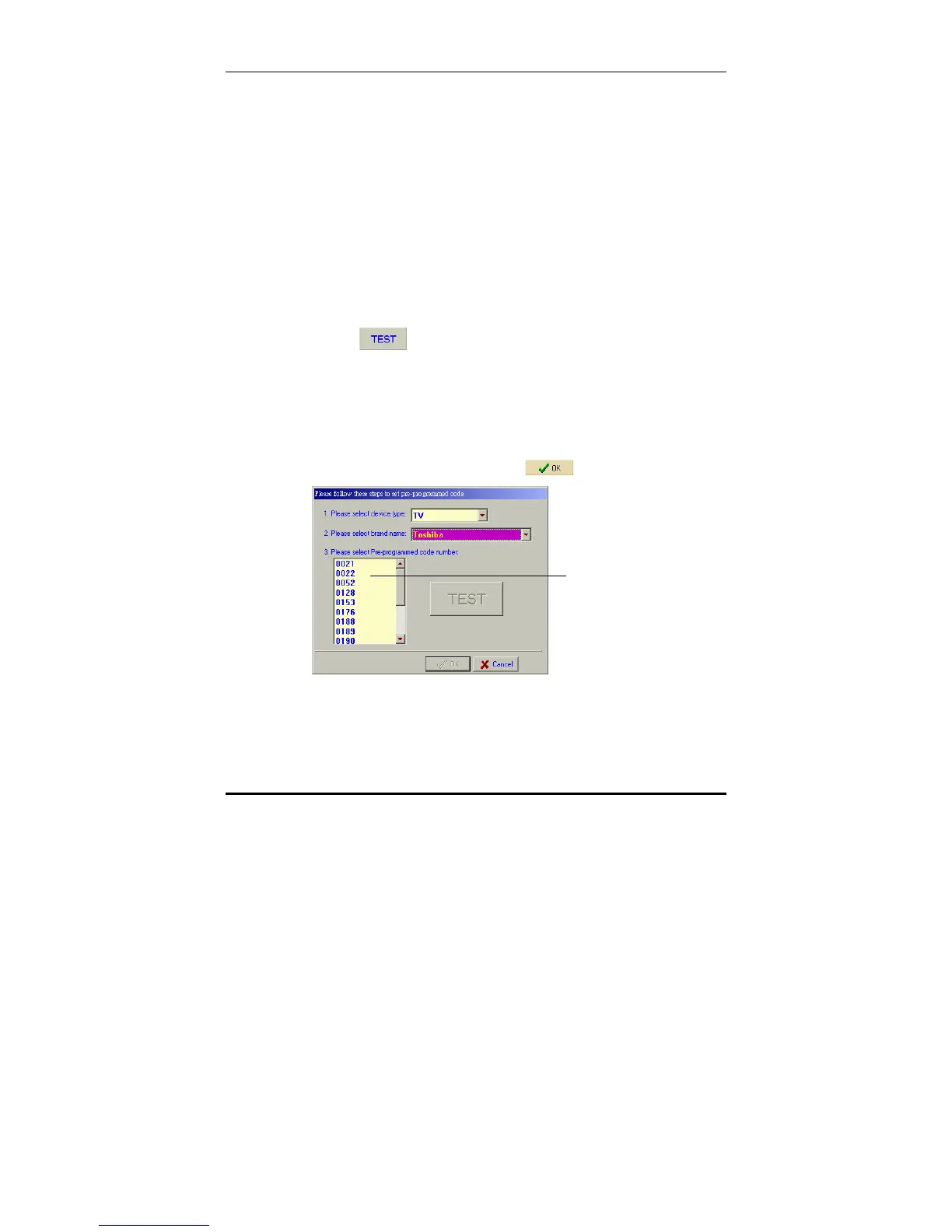
5. Select a code item from Pre-programmed code list.
6. Click
in the fourth field.
Signals are transmitted to the TV from the SRC-7000 one
by one.
7. When the device turns off, make a note of the current
pre-programmed code number. This is the code you
require. ( repeat step 5 ~ 7 )
Note: When the device turns off, click to stop the Test.
Pre-programmed
code list



 To Next Page