SRC-7000 User’s Manual
16
Adding a device key with a pre-programmed code
You may find that the devices listed in the left hand panel of the
RemoteComm interface window do not suit your needs exactly.
You can delete items from the list and add new ones of your own.
You can also add new devices within existing devices. The
easiest way to add a new device is to pick one from the list of
pre-programmed devices.
To add a new device:
1. Start the RemoteComm software as described in
Starting the software on page 7.
2. Select a VMCF file to modify.
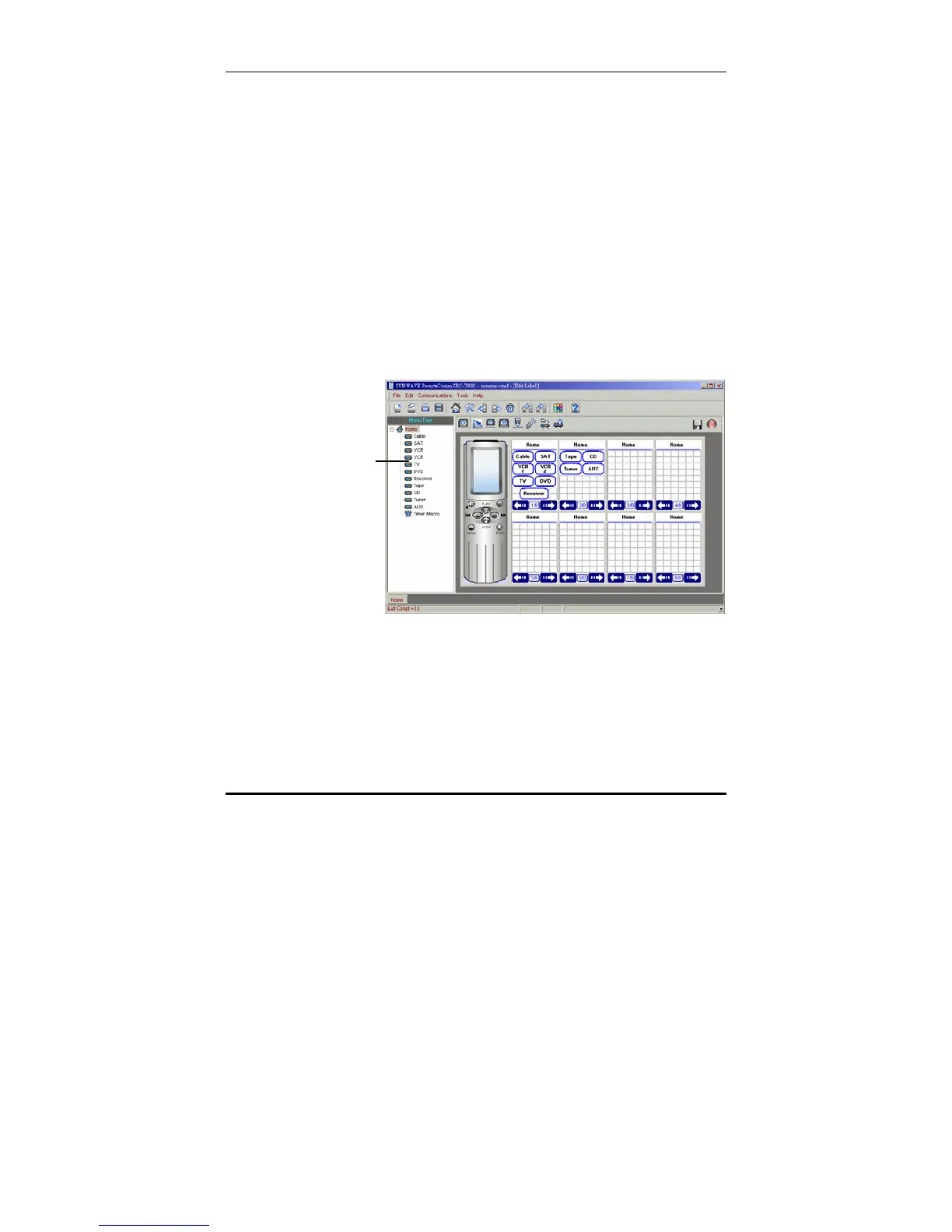
When the VMCF file is loaded, the window below is
displayed:
You can delete
any of the devices
in the left hand
panel, or add a
new device of your
own.



 To Next Page