Adding a device key with a pre-programmed code
17
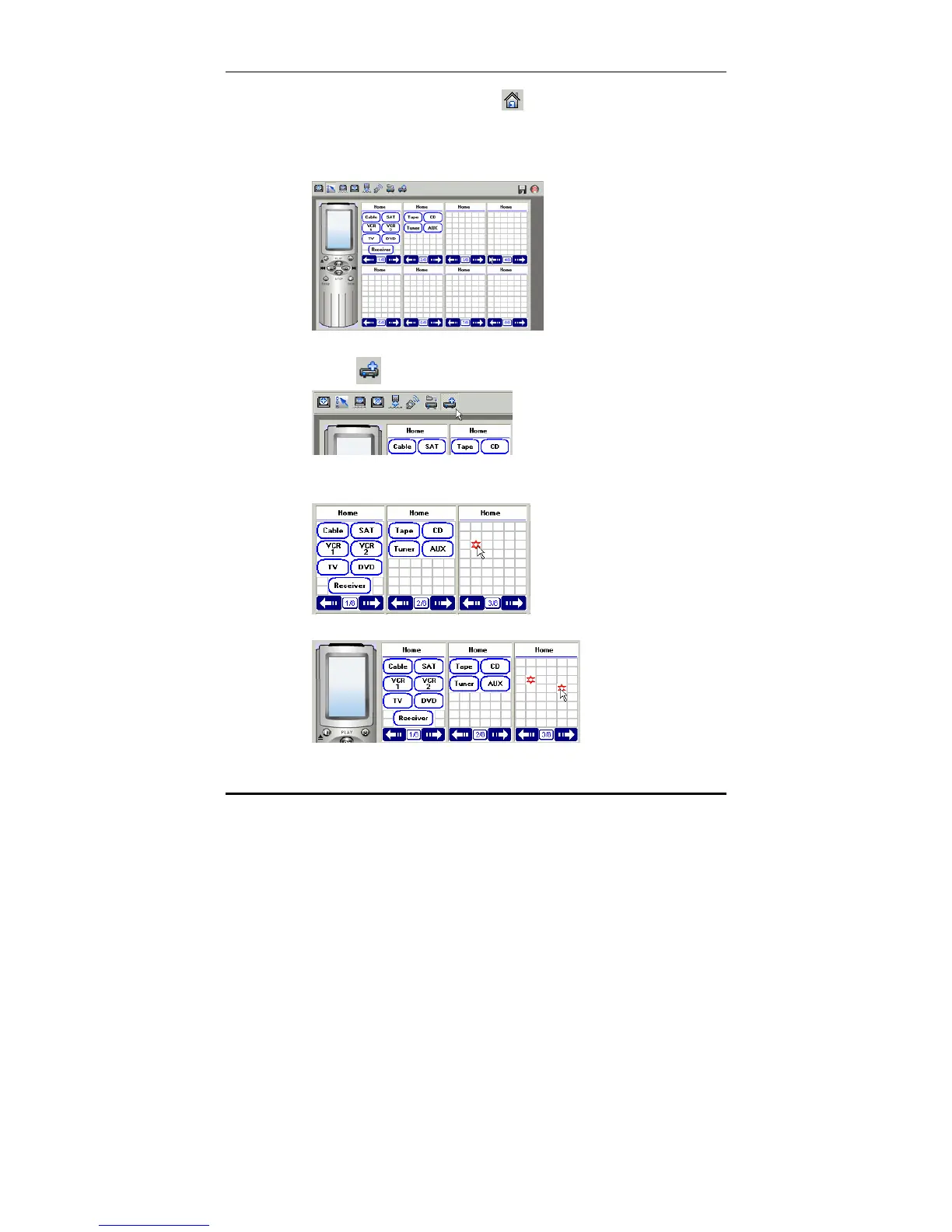
3. Click on the home button or the Home icon in the left
hand panel to display the Home LCD soft window.
Note: You can also click any of the existing devices in the list if you
want to add a device key within that device.
4. click
to add device.
A. left click to point a spaces area.
B. left click to point a spaces area.



 To Next Page