SRC-7000 User’s Manual
18
C. left click in the middle of the point.
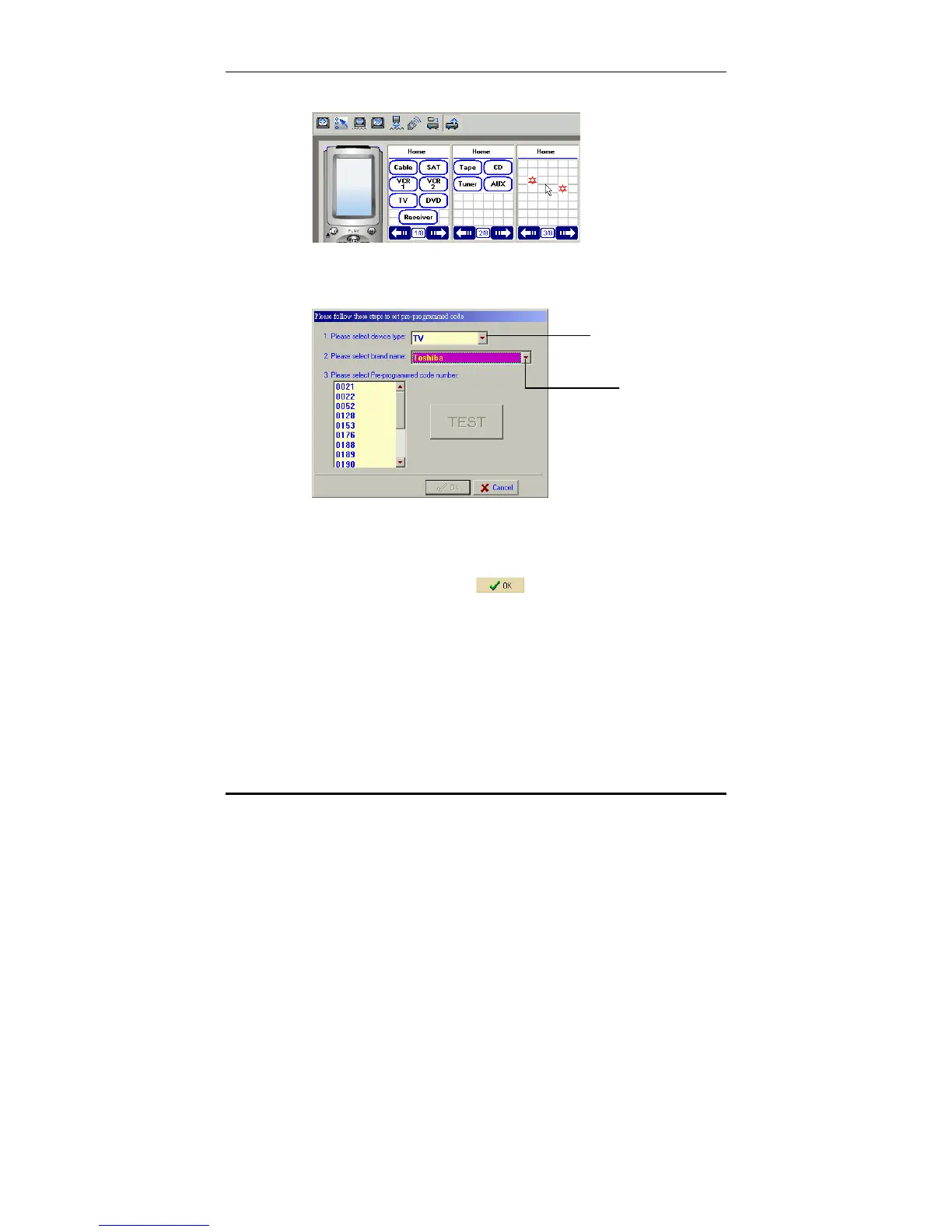
5. The pre-programmed code entry window will appear.
Let's assume that you are adding a new TV device.
6. Enter the device type and the brand name in the first two
fields.
7. If you know the pre-programmed code number, select it
from the list in the third field by clicking on it with the
mouse, and then press
. If you don't know the pre-
programmed code number, you will need to perform an
Auto Test. See the previous section for details of how to
perform a Test.
Enter device t



 To Next Page