SLC-2080 cable
3
Chapter 2 Installation
Read this chapter to learn how to install the software and drivers
required for the SRC-7000. Read this section carefully and install
all the components in the correct order, exactly as it describes in
the instructions.
SLC-2080 cable
The SLC-2080 cable is the interface cable that connects the SRC-
7000 to your computer. The cable comes in two pieces. Both
pieces are required to connect the SRC-7000 to a computer. The
smaller cable, with the round, 3.5 mm plugs can be used to
connect two remote controls together to share data.
Note: You must first install the SLC-2080 USB driver for the SLC-2080 cable
to work.
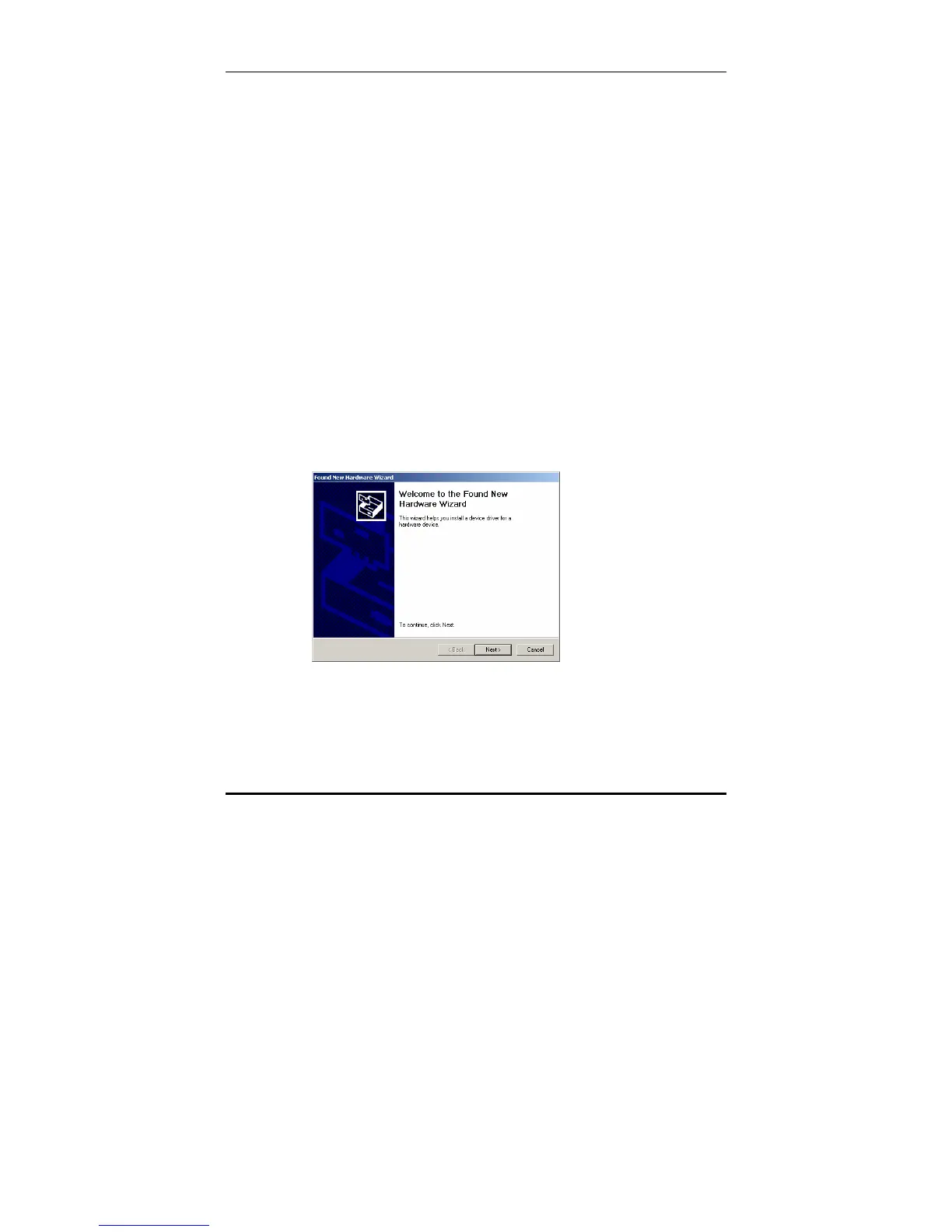
To install the SLC-2080 cable:
1. Plug the SLC-2080 cable into the USB port on your PC.
The operating system shall detect the new USB device
automatically and display the following screen.



 To Next Page