SRC-7000 User’s Manual
50
Changing an icon
You can edit any of the icons saved in your icon libraries. Before
editing an icon, you must first open an existing library file. See
Library files on page 46.
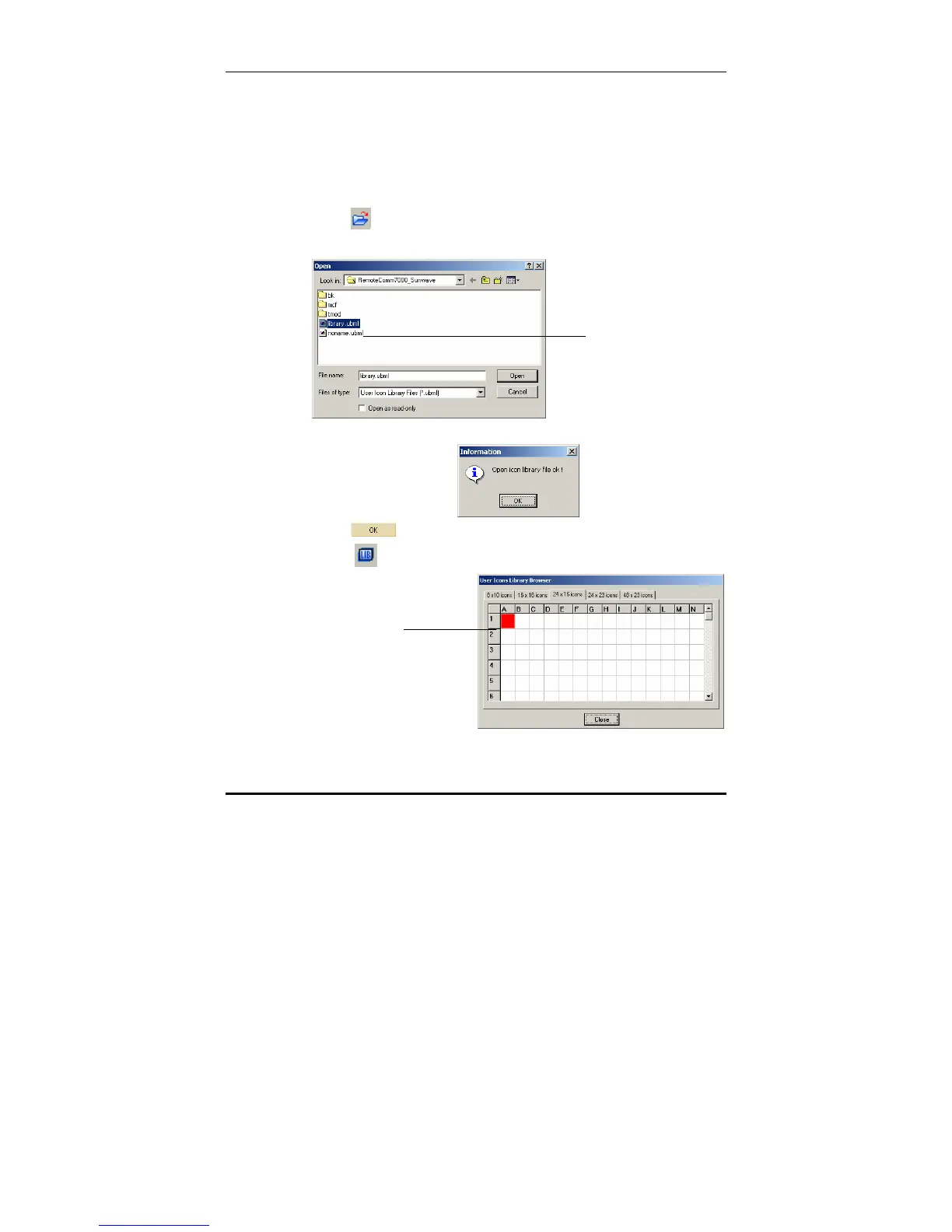
To edit an icon in an existing icon library:
1. Click
to open an existing icon library.
2. Open an existing library from the list.
The following conformation message appears.
3. Click
.
4. Click
to open the icon library browser.
Open an
existing
library from
the list
Right click an
icon to edit it.



 To Next Page