Creating an Icon
49
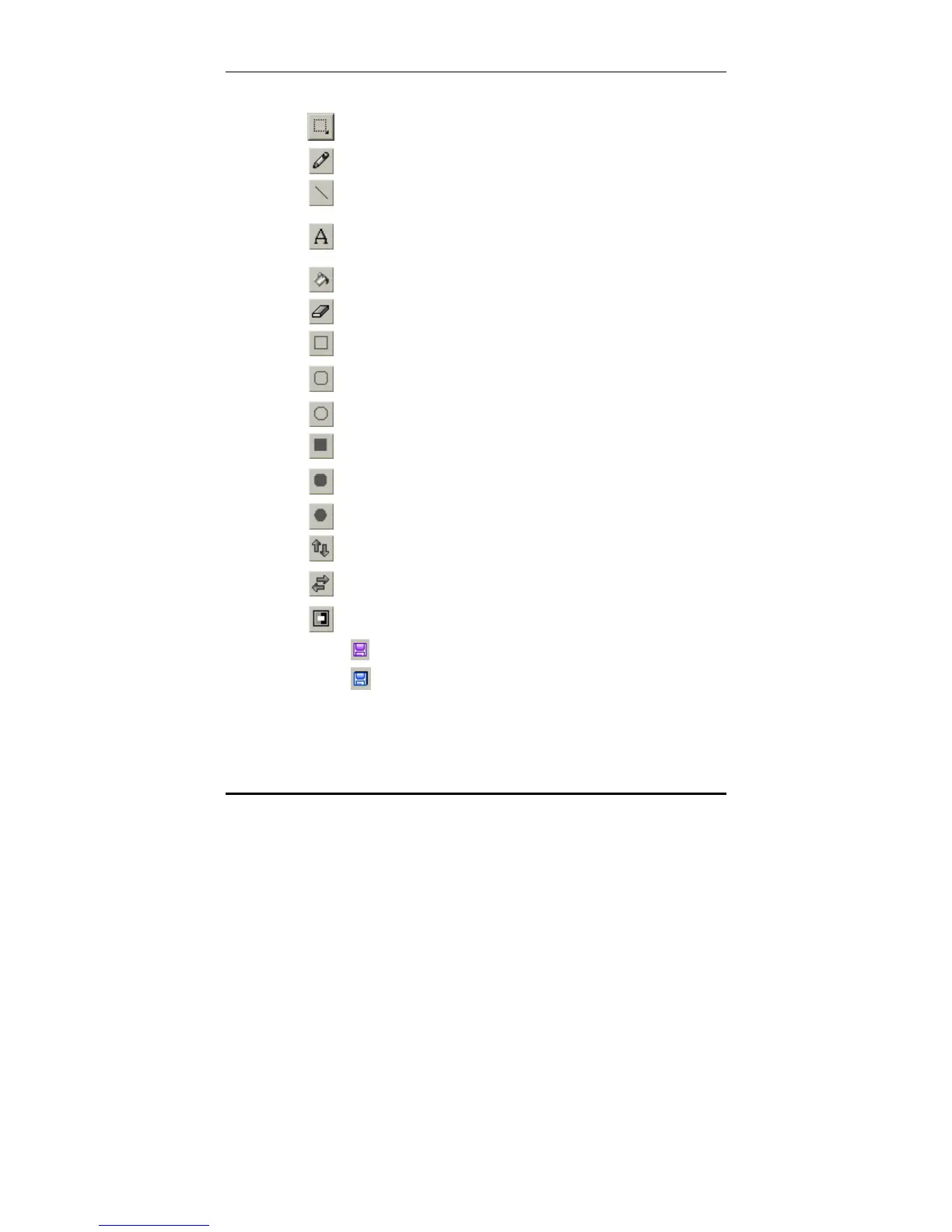
4. Use the tools in the tools pallet to create your icon.
Selection tool - Use to select an area
Pencil tool - Use to draw freehand
Line tool - Use to draw straight lines
Text tool - Use to add text and new paragraphs
and to edit and add emphasis to all language
fonts uploaded to Icon Editor
Flood fill tool - Use to fill an enclosed area
Eraser tool - Use to erase
Rectangle tool - Use to draw rectangles
Rounded rectangle tool - Use to draw rectangles
with rounded corners
Ellipse tool - Use to draw ellipses
Filled rectangle tool - Use to draw filled rectangles
Filled rounded rectangle tool - Use to draw filled
rounded rectangles
Filled ellipse tool - Use to draw filled ellipses
Vertical flip tool - Use to flip a selection vertically
Horizontal flip tool - Use to flip a selection
horizontally
Invert tool - Use to invert the colors in a selection.
5. Click to save the finished icon to the library.
6. Click
to save the library file.



 To Next Page